
The Evolving Landscape of Project Management in 2026
The year 2026 heralds a new era for project management, shaped by several macro trends that continue to redefine how teams work and deliver. The pervasive influence of remote and hybrid work models has solidified, making robust digital collaboration and communication features non-negotiable. Furthermore, the rapid advancements in Artificial Intelligence (AI) and Machine Learning (ML) are no longer futuristic concepts but integral components of leading project management platforms, promising unprecedented levels of automation, predictive analytics, and intelligent insights.
Agile methodologies, once primarily confined to software development, have permeated virtually every industry. This widespread adoption necessitates tools that are flexible, highly customizable, and capable of adapting to iterative development cycles and evolving requirements. Data-driven decision-making is another critical trend; project managers in 2026 rely heavily on analytics and reporting capabilities to monitor progress, identify bottlenecks, and forecast potential risks with greater accuracy.
Security and compliance also remain paramount, particularly with the increasing volume of sensitive data handled by project teams. Organizations are seeking tools that not only offer powerful functionality but also adhere to stringent security protocols and data privacy regulations. The ability to integrate seamlessly with a broader ecosystem of business applications – from communication platforms to CRM systems and financial software – is also a defining characteristic of top-tier project management tools in 2026, creating a unified digital workspace that enhances overall productivity.
Key Features Defining Top Project Management Tools in 2026
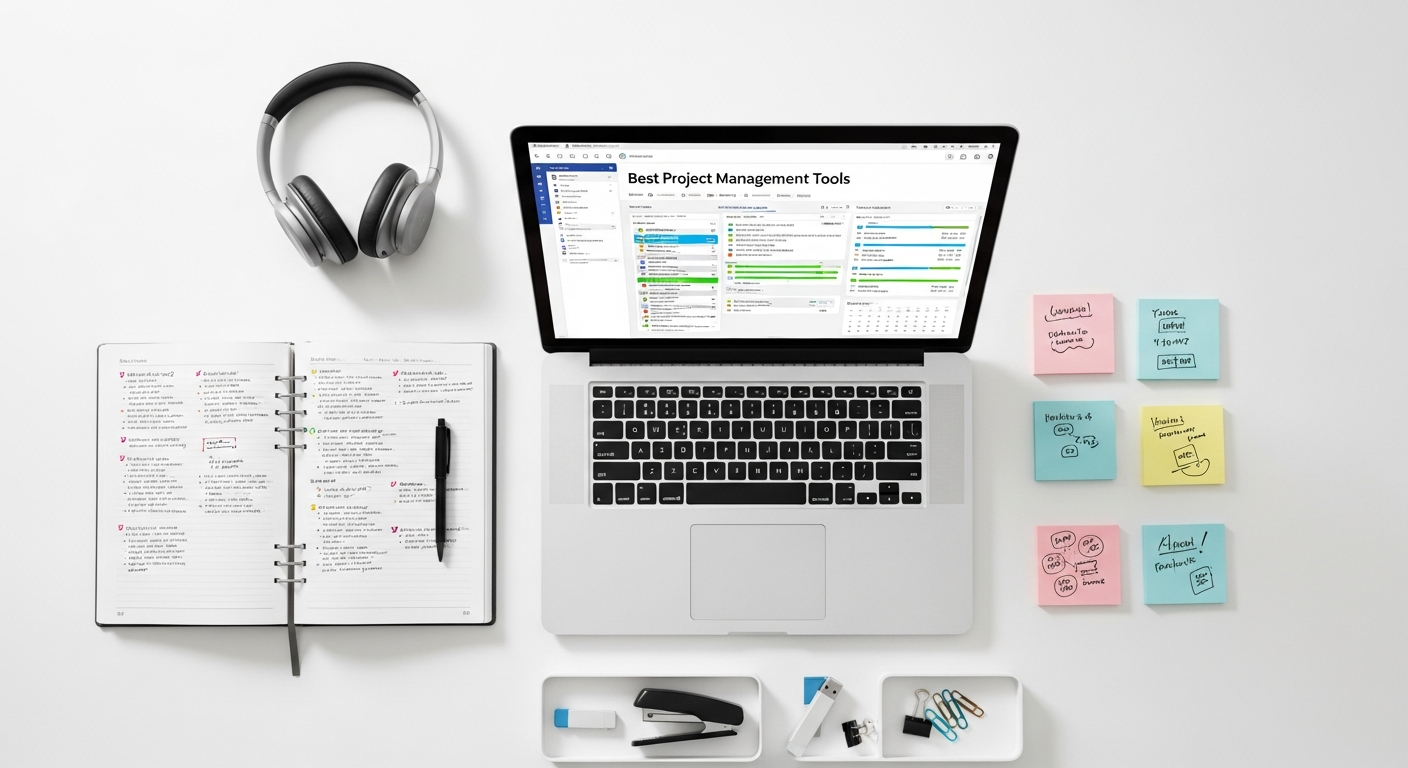
As the demands on project teams grow, so too do the capabilities expected from their supporting software. In 2026, the best project management tools distinguish themselves through a suite of advanced features designed to maximize efficiency, foster collaboration, and provide actionable insights. Here are the defining characteristics:
- AI-Driven Insights and Automation: Beyond simple automation, AI in 2026 PM tools offers predictive analytics for risk assessment, intelligent task scheduling, resource optimization recommendations, and even automated report generation. This significantly reduces manual overhead and enhances proactive decision-making.
- Robust Integration Capabilities: A truly effective project management tool in 2026 acts as a central hub, connecting seamlessly with communication platforms (Slack, Microsoft Teams), document management systems (Google Drive, SharePoint), CRM software, development tools (GitHub, GitLab), and even personal productivity apps. This eliminates data silos and ensures a fluid workflow across the entire tech stack.
- Highly Customizable Workflows and Views: Teams come in all shapes and sizes, with diverse processes. The leading tools offer unparalleled flexibility, allowing users to tailor workflows, create custom fields, and choose from various project views—Gantt charts, Kanban boards, list views, calendars, and dashboards—to suit their specific needs and preferences.
- Real-time Collaboration and Communication: Features like in-app chat, real-time document co-editing, threaded comments, and integrated video conferencing ensure that teams, regardless of their location, can communicate and collaborate instantly and effectively, fostering a sense of unity and shared purpose.
- Advanced Reporting and Analytics: Comprehensive, customizable dashboards provide a bird’s-eye view of project health, resource allocation, budget adherence, and team performance. Tools offer deep analytical capabilities, allowing managers to drill down into specific metrics and generate insightful reports for stakeholders.
- Mobile Accessibility and Offline Capabilities: With work increasingly happening on the go, robust mobile applications are essential. The best tools offer full functionality on smartphones and tablets, with some even providing offline access to critical project data, ensuring productivity doesn’t stop at the desk.
- Enterprise-Grade Security and Compliance: Data protection is paramount. Top tools implement advanced encryption, multi-factor authentication, granular access controls, and comply with international data privacy standards (e.g., GDPR, CCPA), giving organizations peace of mind.
- Scalability and Performance: Whether supporting a small startup or a multinational enterprise, the chosen tool must be able to scale effortlessly, maintaining high performance even with large numbers of users, projects, and data points.
- Intuitive User Interface (UI) and User Experience (UX): Despite their advanced capabilities, the best project management tools 2026 boasts user-friendly interfaces that minimize the learning curve and maximize adoption across diverse teams.
Deep Dive into the Best Project Management Tools for 2026
Asana: The Workflow Orchestrator
Asana continues to be a powerhouse in the project management space, especially for teams that prioritize visual workflows and intuitive task management. In 2026, Asana has further refined its offerings with enhanced AI capabilities and deeper integrations, solidifying its position as a go-to for diverse teams. Its strength lies in its ability to break down complex projects into manageable tasks, assign responsibilities clearly, and track progress with remarkable clarity.
- Key Strengths: Exceptional for task management, highly visual project views (list, board, timeline, calendar), robust automation rules, and extensive integration ecosystem.
- Ideal Users/Use Cases: Marketing teams, creative agencies, HR departments, and any team needing clear task ownership, workflow automation, and cross-functional collaboration. It scales well from small teams to large enterprises.
- Highlighted Features for 2026:
- Workload Management: Provides managers with a clear view of team capacity, helping prevent burnout and optimize resource allocation.
- Goals & Portfolios: Connects individual tasks to overarching company objectives, providing a strategic view of progress.
- Asana Intelligence: Leverages AI to suggest task assignments, identify potential bottlenecks, and automate routine actions, significantly boosting efficiency.
- Advanced Reporting: Customizable dashboards and detailed reports offer real-time insights into project health and team performance.
- App Integrations: Seamlessly connects with hundreds of tools like Slack, Zoom, Google Drive, Salesforce, and Adobe Creative Cloud, creating a unified work environment.
Jira: The Agile Powerhouse
For software development teams and those embracing agile methodologies, Jira remains the undisputed champion. In 2026, Jira has evolved beyond its developer roots, offering more versatile solutions for business teams while maintaining its unparalleled strength in issue tracking, sprint management, and agile reporting. Its extensibility through a vast marketplace of apps makes it incredibly adaptable to specific development workflows.
- Key Strengths: Unmatched for agile project management (Scrum, Kanban), robust issue tracking, powerful customization, and a massive ecosystem of integrations and plugins.
- Ideal Users/Use Cases: Software development teams, IT departments, DevOps, and any organization requiring rigorous bug tracking, complex workflow management, and agile sprint planning.
- Highlighted Features for 2026:
- Advanced Roadmaps: For strategic planning, helping visualize larger initiatives and dependencies across multiple teams and projects.
- Jira Service Management: Extends Jira’s capabilities to IT service desks and business teams for incident, problem, and change management.
- AI-powered Automation: Enhances workflow automation, suggesting next steps and streamlining repetitive tasks based on historical data.
- Deep Developer Tool Integration: Native integrations with Bitbucket, GitHub, GitLab, and other CI/CD tools provide a seamless dev experience.
- Performance at Scale: Optimized for large enterprises with thousands of users and complex project portfolios.
Monday.com: The Versatile Work OS
Monday.com positions itself as a “Work OS,” a highly visual and incredibly flexible platform that can adapt to virtually any type of work. In 2026, Monday.com continues to impress with its vibrant interface, extensive customization options, and powerful automation recipes. It’s particularly effective for teams that appreciate a clear, colorful, and highly collaborative workspace.
- Key Strengths: Highly visual interface, extreme customizability, powerful automation builder, excellent for team collaboration, and a wide array of templates for various use cases.
- Ideal Users/Use Cases: Marketing, sales, HR, operations, creative teams, event planning, and anyone looking for a versatile, all-in-one workspace that can be tailored precisely to their needs.
- Highlighted Features for 2026:
- Work Forms: Easily create forms to collect data that automatically populate your boards, streamlining intake processes.
- Dashboards & Widgets: Build custom dashboards with various widgets to visualize data across multiple projects and track key performance indicators.
- Monday Automations: A robust library of “if this then that” recipes allows users to automate almost any repetitive task, from notifications to item creation.
- Native Integrations: Connects with popular tools like Salesforce, Slack, Gmail, Excel, and Zoom, enhancing its role as a central work hub.
- Low-Code/No-Code Platform: Empowers users to build custom apps and integrations within the platform, extending its functionality without coding knowledge.
ClickUp: The All-in-One Productivity Hub
ClickUp is known for its ambition to be the “one app to replace them all.” In 2026, it continues to deliver on this promise by offering an astonishing array of features designed to cover everything from project management to document creation, goal setting, and communication. Its strength lies in its unparalleled feature set and flexibility, allowing teams to consolidate multiple tools into a single platform.
- Key Strengths: Extremely feature-rich, highly customizable, offers multiple views (Gantt, Kanban, List, Box, Calendar, Whiteboards), robust task management, and document creation.
- Ideal Users/Use Cases: Startups, growing businesses, and teams that want to centralize all their work, from project planning and task execution to document collaboration and internal communication, within a single, powerful tool.
- Highlighted Features for 2026:
- ClickUp AI: Integrated AI tools assist with content creation, summarization, brainstorming, and task description generation, boosting productivity.
- Whiteboards: A collaborative digital whiteboard for brainstorming, mind mapping, and visual project planning.
- Docs: Native document creation and collaboration tools, allowing teams to keep notes, wikis, and project briefs alongside their tasks.
- Goals & OKRs: Track progress towards strategic goals and Objectives and Key Results directly within the platform.
- Universal Search: A powerful search function that allows users to find anything across all tasks, docs, and files within ClickUp.
Wrike: The Enterprise Work Management Platform
Wrike excels as an enterprise-grade work management platform, particularly well-suited for large organizations with complex projects, stringent security requirements, and a need for highly structured workflows. In 2026, Wrike has further enhanced its capabilities with advanced analytics, AI-powered insights, and deeper integrations tailored for enterprise environments, making it a robust choice for managing work at scale.
- Key Strengths: Robust security, advanced analytics, highly customizable workflows, powerful reporting, and excellent for complex project portfolios and resource management in large organizations.
- Ideal Users/Use Cases: Large enterprises, marketing teams, professional services, IT departments, and organizations requiring granular control over projects, resources, and security.
- Highlighted Features for 2026:
- Wrike Marketing & Professional Services: Specialized solutions designed with industry-specific templates, dashboards, and workflows.
- AI-Powered Insights: Provides intelligent recommendations for task prioritization, risk identification, and resource optimization.
- Proofing and Approval: Streamlines the review and approval process for creative assets and documents, crucial for marketing and design teams.
- Advanced Resource Management: Offers detailed views of team capacity and workload, facilitating optimal resource allocation across multiple projects.
- Enterprise-Grade Security: Complies with major industry standards and offers advanced security features like data encryption, network isolation, and audit trails.
Smartsheet: The Dynamic Workspace for Collaboration
Smartsheet stands out as a powerful, spreadsheet-like platform that brings the familiarity of a grid to dynamic work management. It’s incredibly versatile, capable of managing projects, automating workflows, and building custom solutions without code. In 2026, Smartsheet has continued to innovate with enhanced automation, reporting, and integration capabilities, making it a strong contender for teams that value structured data and flexible automation.
- Key Strengths: Spreadsheet-like interface, robust automation, powerful reporting and dashboards, no-code solution building, and excellent for managing data-intensive projects.
- Ideal Users/Use Cases: Operations teams, IT, marketing, HR, and any team that needs to manage complex data, automate processes, and build custom applications without relying on developers.
- Highlighted Features for 2026:
- WorkApps: Allows users to build custom, intuitive applications from their Smartsheet data, providing tailored experiences for different user groups.
- Dynamic View: Offers personalized, role-based views of project data, ensuring users only see relevant information.
- Control Center: For large organizations, enabling standardized project deployment, consistent reporting, and portfolio management at scale.
- Bridge by Smartsheet: Connects Smartsheet with external systems and applications, enabling complex automation and data synchronization.
- AI-Powered Insights: Assists in identifying trends, anomalies, and opportunities within project data, enhancing strategic decision-making.
Choosing the Right Tool for Your Team: Considerations for 2026
Selecting the best project management tool 2026 offers is a critical decision that impacts team productivity, project success, and overall organizational efficiency. It’s not a one-size-fits-all choice. Here are key considerations to guide your selection process:
- Team Size and Structure: A small startup might thrive on a more lightweight, intuitive tool like Asana or Monday.com, while a large enterprise with complex hierarchies might require the robust features and granular control of Jira or Wrike. Consider whether your team is centralized, distributed, or hybrid.
- Project Complexity and Methodology: Are your projects simple task lists, or do they involve intricate dependencies, multiple phases, and cross-functional teams? Do you follow agile (Scrum, Kanban), waterfall, or a hybrid methodology? Ensure the tool supports your preferred approach with features like Gantt charts, sprint boards, or custom workflows.
- Budget Constraints: Project management tools come with various pricing models, from freemium options for small teams to enterprise-level subscriptions. Evaluate not just the per-user cost but also the value added through features, support, and scalability.
- Existing Tech Stack and Integrations: Your new PM tool shouldn’t operate in a silo. It must seamlessly integrate with your current communication platforms (Slack, Microsoft Teams), cloud storage (Google Drive, Dropbox), CRM, development tools, and other business-critical applications. The more integrated your ecosystem, the smoother your workflow.
- Required Features: Make a list of “must-have” and “nice-to-have” features based on your team’s specific needs. Do you need advanced resource management, time tracking, robust reporting, client portals, AI assistance, or specific automation capabilities?
- Ease of Use and Learning Curve: A powerful tool is only effective if your team actually uses it. Opt for a platform with an intuitive user interface and a reasonable learning curve. Consider offering trials and soliciting team feedback before making a final decision.
- Security and Compliance: Especially for industries handling sensitive data, ensure the tool meets your organization’s security standards, data privacy regulations (e.g., GDPR), and offers features like SSO, audit logs, and granular access controls.
- Scalability: Choose a tool that can grow with your organization. Will it support more users, more projects, and evolving requirements without performance degradation or a complete overhaul?
- Vendor Support and Community: Good customer support, comprehensive documentation, and an active user community can be invaluable for troubleshooting, learning best practices, and maximizing the tool’s potential.
Integrating Project Management with Your Productivity Ecosystem
In 2026, the concept of a standalone project management tool is largely obsolete. Modern productivity demands an integrated ecosystem where various applications communicate and share data seamlessly. Your chosen project management solution should act as a central hub, connecting with other critical tools to create a unified and efficient workflow.
Communication & Collaboration: Integration with platforms like Slack, Microsoft Teams, and Zoom is fundamental. This allows for real-time discussions, sharing of project updates, and quick decisions without leaving the project context. Imagine instantly spinning up a video call from a task or receiving critical project alerts directly in your team chat.
Document Management & Storage: Connecting with cloud storage solutions such as Google Drive, Dropbox, or SharePoint ensures that all project-related documents, files, and assets are easily accessible, version-controlled, and linked directly to relevant tasks or projects. This eliminates the need to search across disparate systems.
CRM & Sales Tools: For client-facing projects, integration with CRM systems like Salesforce or HubSpot can automatically link project progress to client accounts, providing sales and account management teams with up-to-date information on service delivery or product development.
Development & IT Tools: For software teams, deep integrations with Git repositories (GitHub, GitLab, Bitbucket), continuous integration/continuous deployment (CI/CD) pipelines, and testing platforms are crucial. This ensures that development work is directly tied to project tasks and bug tracking.
Personal Productivity & Knowledge Management: While team-level project management is essential, individual productivity also plays a vital role. As we discussed in our guide on the Best Productivity Apps 2026, personal tools complement team platforms. For individual project managers looking to augment their personal knowledge management, tools like Obsidian, as demonstrated in our article How To Use Obsidian For Note Taking, can provide invaluable support. Integrating personal note-taking and knowledge bases with project tasks allows managers to keep their research, ideas, and detailed documentation organized alongside their team’s project work, fostering a more holistic approach to productivity.
By carefully selecting a project management tool that offers robust integration capabilities, you can build a cohesive productivity ecosystem that minimizes context switching, reduces manual data entry, and ensures that all team members have access to the information they need, when they need it.
Looking Ahead: Future Trends in Project Management Tools Beyond 2026
The pace of technological change shows no signs of slowing down, and project management tools will continue to evolve rapidly beyond 2026. Anticipating these future trends can help organizations prepare and strategize for even greater efficiency and innovation.
- Hyper-Personalization and Adaptive Workflows: Tools will become even smarter, learning individual user preferences, work styles, and project types to offer hyper-personalized interfaces and adaptive workflows. AI will dynamically suggest the best view, report, or automation based on the user’s current context and historical behavior.
- Advanced AI for Predictive Analytics and Risk Management: Beyond current capabilities, AI will offer more sophisticated predictive models, not just identifying potential risks but also suggesting optimal mitigation strategies, forecasting project timelines with higher accuracy, and even predicting team burnout based on workload and historical data.
- No-Code/Low-Code for Ultimate Customization: The trend towards empowering non-developers will intensify. Users will be able to build incredibly complex custom applications, integrations, and automation workflows within their PM tools with minimal to no coding, further tailoring platforms to unique organizational needs.
- Integrated Metaverse/VR for Immersive Collaboration: While still nascent, the metaverse and virtual reality could transform collaborative workspaces. Imagine virtual project war rooms where team members, regardless of physical location, can interact with 3D models, data visualizations, and whiteboards in an immersive environment.
- Ethical AI and Bias Mitigation: As AI becomes more integral, there will be a strong focus on ethical AI development, ensuring algorithms are fair, transparent, and do not perpetuate biases in resource allocation, task assignment, or performance evaluation.
- Enhanced Sustainability and Green Computing Features: With increasing environmental awareness, PM tools might incorporate features to track the carbon footprint of projects, optimize resource usage for sustainability, and ensure data centers operate with green computing principles. Understanding the underlying infrastructure, as detailed in our piece Cloud Computing Explained Simply, is crucial for appreciating the ongoing efforts in this area.
- Autonomous Project Management: In the distant future, AI might even take on semi-autonomous project management roles, capable of initiating tasks, coordinating resources, and adjusting plans based on real-time data, under human supervision.
These trends suggest a future where project management tools are not just supportive systems but intelligent partners, continuously learning, adapting, and innovating to help teams achieve unprecedented levels of productivity and success.
Frequently Asked Questions
Recommended Resources
For more on best project management, see How To Start A Startup With No Money on Eamped.
Related reading: How To Create A Style Guide For Your App (Layout Scene).