
The Evolving Landscape of Project Management and Digital Productivity
The digital age has fundamentally reshaped how teams collaborate and manage projects. Gone are the days of sprawling whiteboards and endless email chains. Today, sophisticated project management tools are at the heart of successful operations, enabling real-time collaboration, transparent progress tracking, and efficient resource allocation. As we look towards 2026, the demand for intuitive, powerful, and integrated solutions continues to grow, making the selection process more critical than ever.
The foundation of these modern tools lies heavily in the advancements of cloud computing. For those wondering about the underlying infrastructure, Cloud Computing Explained Simply means that these applications and their data are hosted on a network of remote servers, rather than on a local server or personal computer. This allows for unparalleled accessibility, scalability, and data security, enabling teams to work from anywhere, at any time, on any device. This paradigm shift has made it possible for project management tools to evolve from simple task lists into comprehensive work operating systems.
With an abundance of options, identifying the Best Productivity Apps 2026 requires a deep dive into functionality, user experience, and scalability. Trello, Asana, and Monday.com consistently rank high in user satisfaction and feature sets, each carving out a significant niche. While their ultimate goal is similar – to help teams manage projects effectively – their methodologies and interfaces differ significantly, offering distinct advantages depending on a team’s specific needs and preferences.
Trello: The Visual Powerhouse for Agile Simplicity
Trello, a product of Atlassian, is renowned for its elegant simplicity and highly visual interface, built around the Kanban methodology. It provides a straightforward, intuitive way to organize tasks and track progress through boards, lists, and cards. For teams that thrive on visual cues and prefer a drag-and-drop interface, Trello often feels like a natural extension of their thought process.
Core Philosophy and User Experience
At its heart, Trello embodies simplicity. A “board” represents a project, “lists” represent stages of a workflow (e.g., To Do, Doing, Done), and “cards” represent individual tasks or items moving through these stages. This visual metaphor makes it incredibly easy for new users to grasp and for teams to get started without a steep learning curve. The interface is clean, uncluttered, and highly responsive, fostering a sense of control and clarity over tasks.
Key Features and Functionality
- Boards, Lists, and Cards: The fundamental building blocks. Cards can contain descriptions, checklists, due dates, attachments, and comments, serving as mini-project hubs.
- Power-Ups (Integrations): Trello’s extensibility comes from its vast library of Power-Ups, which integrate with other services like Slack, Google Drive, Salesforce, and even advanced reporting tools. These add functionality beyond the basic Kanban board.
- Butler (Automation): Trello’s built-in automation tool allows users to create rules, buttons, and scheduled commands to automate repetitive tasks, such as moving cards, setting due dates, or assigning members. This significantly boosts efficiency and reduces manual effort.
- Checklists and Due Dates: Essential for breaking down larger tasks and ensuring timely completion.
- Labels and Custom Fields: For categorizing cards and adding specific data points relevant to your workflow.
- Activity Log: A transparent record of all actions taken on a board, enhancing accountability.
Ideal Use Cases
Trello shines brightest for:
- Small to Medium Teams: Especially those adopting agile or Scrum methodologies for software development, content creation, or event planning.
- Personal Task Management: Its simplicity makes it excellent for individuals organizing their daily to-do lists, personal projects, or study schedules.
- Visual Workflows: Any team that benefits from seeing tasks progress through stages visually, like editorial calendars, sales pipelines, or support ticket tracking.
- Light Project Management: Projects with fewer complex dependencies or extensive reporting requirements.
Pros of Trello
- Exceptional Ease of Use: Quick to learn and adopt, minimizing onboarding time.
- Highly Visual: The Kanban board provides an immediate overview of project status.
- Flexibility: Adaptable to various workflows beyond traditional project management.
- Cost-Effective: Generous free tier and competitive pricing for paid plans.
- Extensive Integrations: Power-Ups allow for significant customization and extended functionality.
Cons of Trello
- Limited for Complex Projects: Can become unwieldy for large projects with intricate dependencies, Gantt charts, or extensive resource management.
- Basic Reporting: Out-of-the-box reporting is minimal, requiring Power-Ups for advanced analytics.
- Scalability Challenges: While powerful for small teams, managing many interconnected projects across large departments can become challenging.
Trello’s Pricing Structure (as of 2026)
Trello offers a tiered pricing model:
- Free: Ideal for individuals or small teams, offering unlimited cards, 10 boards per workspace, and basic Power-Ups.
- Standard: Adds unlimited boards, advanced checklists, custom fields, and more automation.
- Premium: Includes dashboard, timeline, table, and calendar views, workspace-level templates, and priority support.
- Enterprise: Designed for larger organizations requiring advanced security, administration, and dedicated support.
Asana: The Task Management Maestro for Structured Workflows
Core Philosophy and User Experience
Asana’s philosophy centers on clarity and breaking down large projects into manageable, actionable tasks. It aims to eliminate “work about work” by providing a single source of truth for all tasks, communications, and files related to a project. The user interface, while feature-rich, is designed to be intuitive, allowing users to switch between different views (list, board, timeline, calendar) to suit their preference or the project’s needs. It excels at showing who is doing what, by when, and how it contributes to the larger objective.
Key Features and Functionality
- Tasks, Subtasks, and Dependencies: Asana excels at breaking down tasks into granular subtasks and establishing dependencies, ensuring tasks are completed in the correct order.
- Multiple Project Views: Offers robust list views, Kanban boards, Gantt-style timelines, and calendar views, providing flexibility in how teams visualize their work.
- Custom Fields: Highly customizable fields allow teams to track specific data points relevant to their industry or workflow, such as priority, status, or cost.
- Rules and Automation: Powerful automation features enable users to set up rules that automatically assign tasks, update statuses, or move tasks based on triggers, streamlining repetitive processes.
- Portfolios and Workload: For larger organizations, Asana allows managers to view the status of multiple projects simultaneously (Portfolios) and monitor team members’ workload to prevent burnout or optimize resource allocation.
- Goals: Connects team projects directly to company objectives, providing a clear line of sight from daily tasks to strategic goals.
- Extensive Integrations: Seamlessly integrates with hundreds of tools, including communication platforms, file storage, CRM, and development tools.
Ideal Use Cases
Asana is particularly well-suited for:
- Medium to Large Teams: Especially those in marketing, product development, engineering, operations, and HR, requiring structured project plans.
- Complex Projects: Projects with numerous tasks, subtasks, dependencies, and multiple stakeholders that demand rigorous tracking.
- Agile and Waterfall Methodologies: Its flexibility accommodates both iterative and linear project management approaches.
- Cross-Functional Collaboration: Facilitates seamless work across different departments with varying needs.
- Teams Needing Advanced Reporting: Provides comprehensive insights into project progress, team performance, and potential bottlenecks.
Pros of Asana
- Robust Task Management: Excellent for breaking down and tracking complex tasks and dependencies.
- Multiple Project Views: Offers versatility for different team preferences and project types.
- Powerful Automation: Streamlines workflows and reduces manual effort.
- Scalable: Designed to grow with teams, offering features for managing portfolios and workloads across departments.
- Strong Reporting and Analytics: Provides deep insights into project health and team efficiency.
Cons of Asana
- Steeper Learning Curve: Its extensive features can be overwhelming for new users or very small teams.
- Less Visual Than Trello: While it offers board views, its primary strength isn’t pure visual simplicity.
- Can Be Expensive: Paid tiers can add up for larger teams, though the value provided often justifies the cost.
- Notification Overload: Can generate a high volume of notifications if not configured carefully.
Asana’s Pricing Structure (as of 2026)
Asana also follows a tiered subscription model:
- Basic (Free): Suitable for individuals or very small teams, offering unlimited tasks, projects, and basic collaboration features for up to 10 team members.
- Premium: Unlocks unlimited dashboards, advanced search, custom fields, timeline view, and rules.
- Business: Adds portfolios, workload management, goals, advanced integrations, and custom rules.
- Enterprise: For large organizations needing enhanced security, admin controls, and dedicated support.
Monday.com: The Customizable Canvas for Diverse Teams
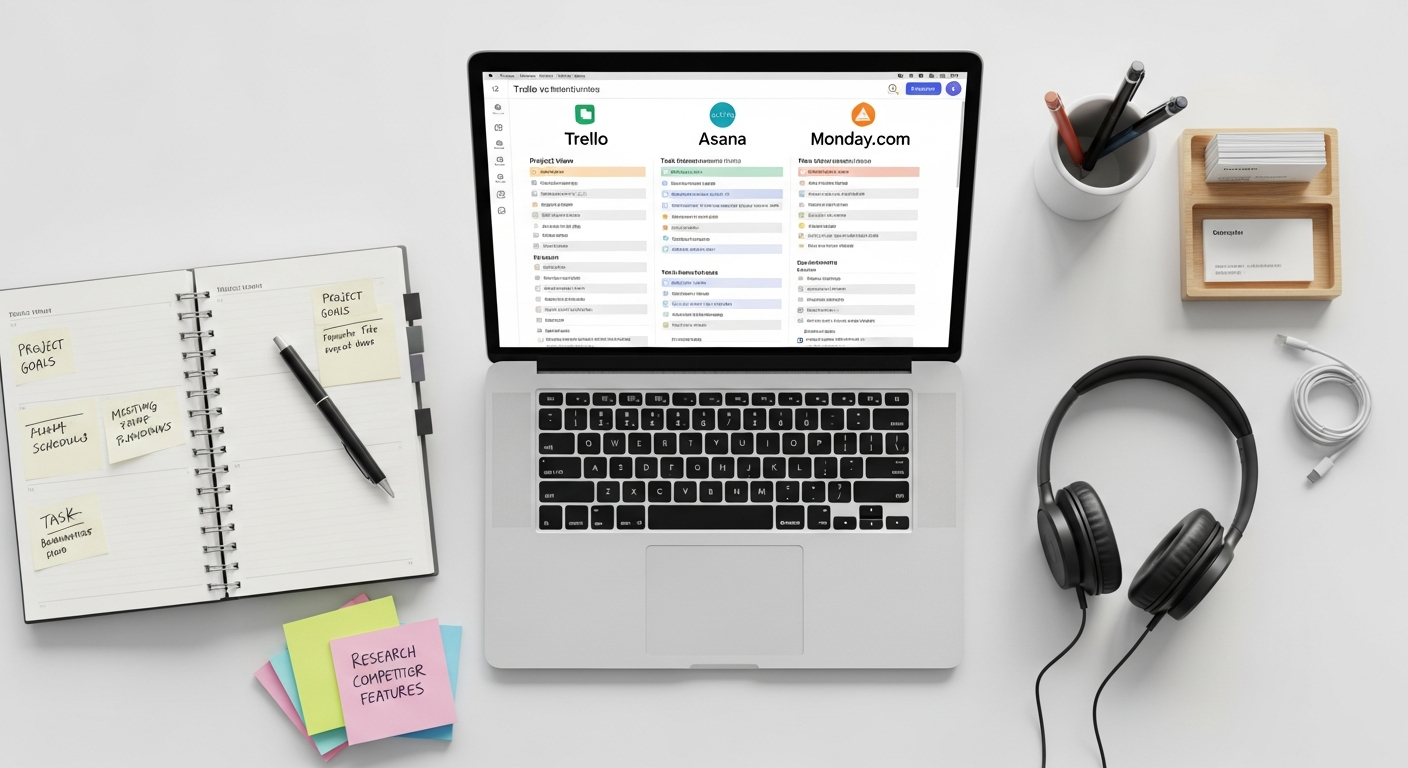
Monday.com positions itself as a “Work OS” (Operating System), emphasizing extreme flexibility and customization to fit virtually any workflow. It moves beyond traditional project management, offering a platform that can be adapted for CRM, HR, marketing, software development, and more. Its visual nature, combined with powerful customization and automation, makes it a highly versatile contender.
Core Philosophy and User Experience
Monday.com’s core philosophy is about empowering teams to build the exact workflow they need, without being constrained by rigid structures. It uses highly visual and intuitive “boards” that are essentially customizable spreadsheets with a rich array of column types (status, people, date, text, numbers, etc.). The vibrant, colorful interface is designed to be engaging and easy to understand at a glance, making complex data digestible. Its drag-and-drop functionality and graphical dashboards contribute to a dynamic user experience.
Key Features and Functionality
- Highly Customizable Boards: Users can create boards for any purpose, configuring columns to track exactly what they need, from project progress to client data.
- Multiple Views: Offers a wide array of views including Table (spreadsheet-like), Kanban, Gantt, Calendar, Chart, Form, and Workload, providing immense flexibility in data visualization.
- Automation Recipes: Monday.com offers an extensive library of “recipes” for automation, allowing users to set up “when X happens, do Y” rules without coding. This can automate notifications, status changes, task assignments, and much more.
- Dashboards: Powerful, customizable dashboards allow users to aggregate data from multiple boards into a single, high-level overview, using various widgets (charts, numbers, battery, etc.). This is excellent for reporting and monitoring KPIs.
- Integrations: A robust marketplace of integrations with popular tools like Slack, Zoom, Salesforce, Jira, HubSpot, and many more, ensuring it fits into existing tech stacks.
- Workload Management: The Workload view helps managers visualize team capacity and assign tasks fairly, preventing overload.
- Guest Access: Allows external collaborators to view or contribute to specific boards without full team member access.
Ideal Use Cases
Monday.com excels in scenarios requiring:
- Teams with Diverse Needs: Marketing, sales, HR, R&D, IT, and operations can all tailor the platform to their specific workflows.
- High Customization: Organizations that need to track very specific data points or have unique processes that off-the-shelf solutions don’t fully support.
- Cross-Functional Collaboration: Its flexibility makes it ideal for teams working across different departments or with external stakeholders.
- Visual Reporting and Dashboards: Teams that benefit from dynamic, real-time dashboards for monitoring progress and performance.
- Scalability for Enterprise: With its extensive features and robust security, it’s suitable for large enterprises seeking a versatile work management platform.
Pros of Monday.com
- Unmatched Customization: Adaptable to virtually any workflow or industry.
- Highly Visual and Engaging UI: Makes work management enjoyable and clear.
- Powerful Automation: Simplifies repetitive tasks and increases efficiency.
- Excellent Dashboards: Provides comprehensive, real-time insights from multiple projects.
- Extensive Integrations: Connects seamlessly with a wide range of other applications.
Cons of Monday.com
- Can Be Expensive: Pricing can quickly add up, especially for larger teams, making it a significant investment.
- Steepest Learning Curve: While intuitive, its sheer flexibility means it can take time to master and configure optimally.
- Feature Overload: For very simple needs, the abundance of features might be overkill.
- User-Based Pricing: Cost increases with every team member, which can be a barrier for growing teams.
Monday.com’s Pricing Structure (as of 2026)
Monday.com offers several tiers, typically priced per user per month, with discounts for annual billing:
- Individual (Free): For up to 2 users, offering basic boards and limited features.
- Basic: Unlimited items, guests, 5 GB storage, and priority customer support.
- Standard: Adds timeline & Gantt views, calendar view, guest access, and automation/integrations (limited).
- Pro: Includes private boards, chart view, time tracking, formula columns, and significantly more automation/integrations.
- Enterprise: Offers enterprise-grade security, reporting & analytics, multi-level permissions, and dedicated support.
Head-to-Head: A Deep Dive into Key Differentiators
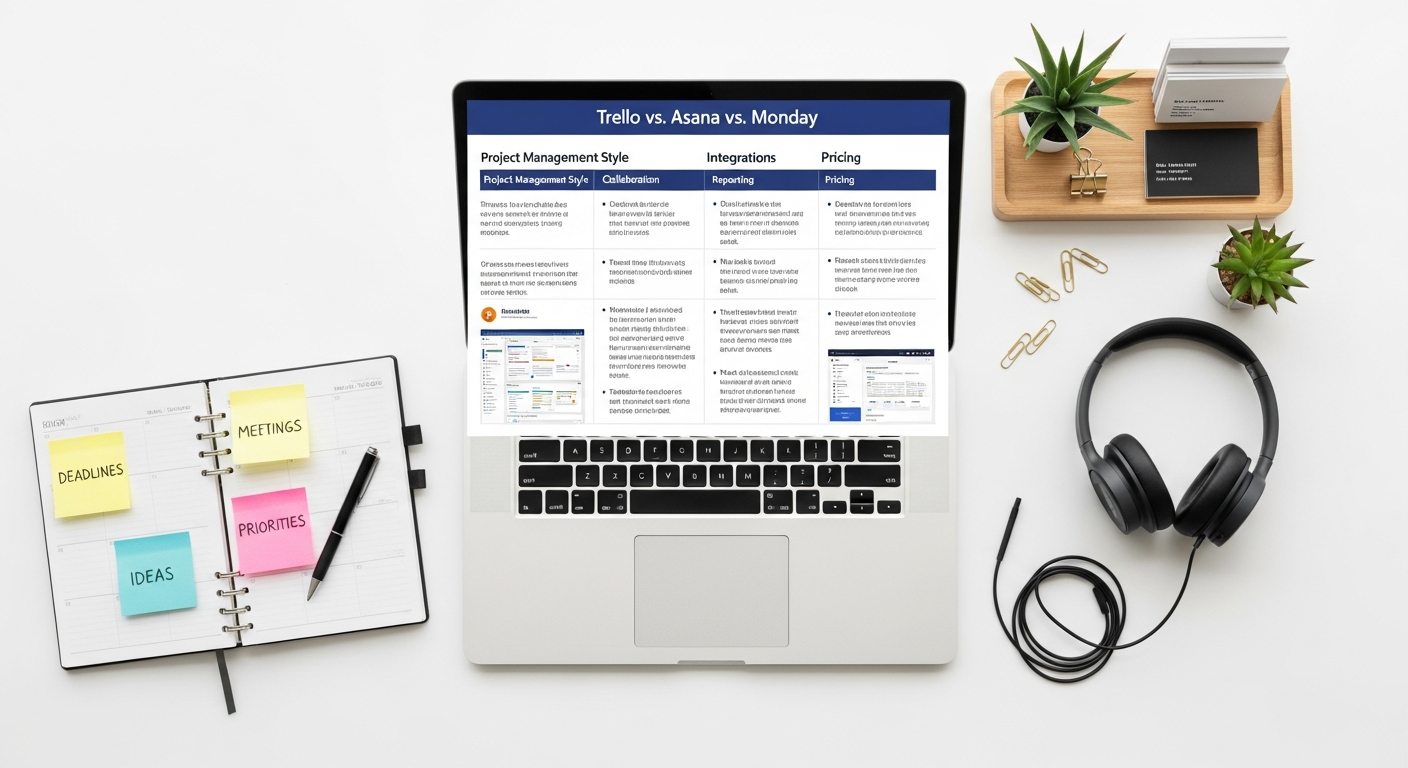
While Trello, Asana, and Monday.com all aim to enhance productivity, their approaches and strengths vary significantly. Here’s a comparative look at their key differentiators:
User Interface & Experience
- Trello: Prioritizes visual simplicity with its clean Kanban board. It’s the easiest to pick up and ideal for visual thinkers. The drag-and-drop experience is fluid and intuitive.
- Asana: Offers a more professional and structured interface, with a primary focus on lists, though board and timeline views are excellent. It balances feature richness with usability but has a slightly steeper learning curve than Trello.
- Monday.com: Highly visual and colorful, designed to be engaging. Its strength lies in its customizable table-like boards and dynamic dashboards. While intuitive to navigate, mastering its full customization potential requires more effort.
Task Management & Project Tracking
- Trello: Excellent for tracking tasks through simple stages. Best for workflows where tasks are largely independent. Lacks native dependency management and robust Gantt charts without Power-Ups.
- Asana: Superior for detailed task breakdown, subtasks, dependencies, and complex project timelines. Its ability to manage workloads and portfolios makes it highly effective for large, interconnected projects.
- Monday.com: Extremely flexible. Its customizable columns allow for intricate task tracking, and its various views (Gantt, Calendar) provide strong project oversight. Automation helps manage task progression effectively.
Collaboration Features
- Trello: Facilitates collaboration through comments on cards, mentions, and file attachments. Power-Ups extend its communication capabilities.
- Asana: Robust for team communication within tasks and projects, with comments, likes, and direct messaging. It promotes transparency with clear task owners and followers.
- Monday.com: Offers strong collaboration tools including comments, mentions, and file sharing within items. Its guest access feature is particularly useful for external stakeholders.
Automation Capabilities
- Trello: Butler provides powerful, no-code automation for repetitive tasks on boards.
- Asana: Offers “Rules” for automating actions based on triggers, streamlining workflows and reducing manual effort.
- Monday.com: Its “Automation Recipes” are extensive and highly customizable, allowing for complex multi-step automations across boards, making it arguably the most powerful in this regard.
Integrations & Ecosystem
- Trello: Relies heavily on “Power-Ups” to extend functionality, offering a vast array of third-party integrations.
- Asana: Boasts a comprehensive integration marketplace with hundreds of direct integrations with popular business tools.
- Monday.com: Also offers a rich integration center, connecting with a wide range of applications to create a cohesive work ecosystem. In the context of broader digital productivity, it’s worth noting how a personal knowledge management tool like How To Use Obsidian For Note Taking could be integrated with these platforms (e.g., linking project notes from Obsidian to tasks in Asana or cards in Trello via URLs, or using Monday.com’s text columns to store Obsidian note links).
Reporting & Analytics
- Trello: Basic reporting out-of-the-box; advanced analytics require Power-Ups.
- Asana: Offers strong native reporting, including custom reports, workload views, and portfolio dashboards for a comprehensive overview.
- Monday.com: Excels with highly customizable dashboards that aggregate data from multiple boards, providing real-time insights and visual reporting for KPIs.
Scalability & Enterprise Features
- Trello: Highly scalable for individual projects and small teams, but managing many interconnected projects across a large enterprise can become cumbersome without careful organization. Enterprise plans offer enhanced security.
- Asana: Designed for scalability, with features like Portfolios, Workload, and robust administrative controls ideal for growing teams and larger organizations.
- Monday.com: Very strong in scalability due to its extreme customization and enterprise-grade features, making it suitable for large organizations with diverse departmental needs.
Pricing & Value
- Trello: Offers a generous free tier and remains one of the most affordable options for its paid plans, providing excellent value for its simplicity and core functionality.
- Asana: Has a solid free tier, but its paid plans can become significantly more expensive than Trello, especially for larger teams. However, the advanced features often justify the cost for organizations with complex needs.
- Monday.com: The most expensive of the three, particularly as team size grows. While it offers unparalleled flexibility and features, the cost can be a barrier for budget-conscious teams. Its free tier is very limited.
Choosing Your Champion: Navigating the Project Management Maze
The “best” project management tool isn’t a universal truth; it’s a strategic decision based on your team’s unique characteristics, project complexity, budget, and desired workflow. Here’s a summary to guide your choice:
Choose Trello if:
- Your team prefers a highly visual, simple, and intuitive interface.
- You primarily use the Kanban methodology and need a clear, drag-and-drop workflow.
- Your projects are relatively straightforward, with fewer complex dependencies.
- You’re a small team or individual looking for a cost-effective solution with a generous free tier.
- You value ease of adoption and minimal onboarding time.
Choose Asana if:
- Your team requires robust task management, including subtasks, dependencies, and milestones.
- You manage complex projects across multiple departments and need advanced reporting and workload management.
- You need a tool that can scale with your organization and support both agile and waterfall methodologies.
- You prioritize structured workflows, clear accountability, and detailed project tracking.
- You’re willing to invest in a powerful solution with a slightly steeper learning curve for greater control.
Choose Monday.com if:
- Your team has highly diverse needs and requires extreme customization to fit unique workflows (beyond just project management).
- You thrive on highly visual, engaging dashboards and real-time data aggregation.
- You need powerful, no-code automation to streamline complex processes.
- You’re looking for an all-in-one “Work OS” that can adapt to various departmental functions (CRM, HR, marketing, etc.).
- Budget is less of a concern, and you prioritize flexibility, advanced features, and extensive integrations for a growing enterprise.
Ultimately, the Best Productivity Apps 2026 for your organization will be the one that aligns most closely with your operational philosophy and empowers your team to work smarter, not harder. We highly recommend taking advantage of the free trials offered by each platform. Nothing beats hands-on experience to truly understand how a tool will integrate with your team’s dynamics and contribute to your overall success. By carefully evaluating your needs against the strengths of Trello, Asana, and Monday.com, you can make an informed decision that will boost your team’s productivity and streamline your projects for years to come.
Frequently Asked Questions
Recommended Resources
Learn more about this topic in Best Project Management Software For Startups at Eamped.
Explore How To Design A Poster From Scratch for additional insights.