
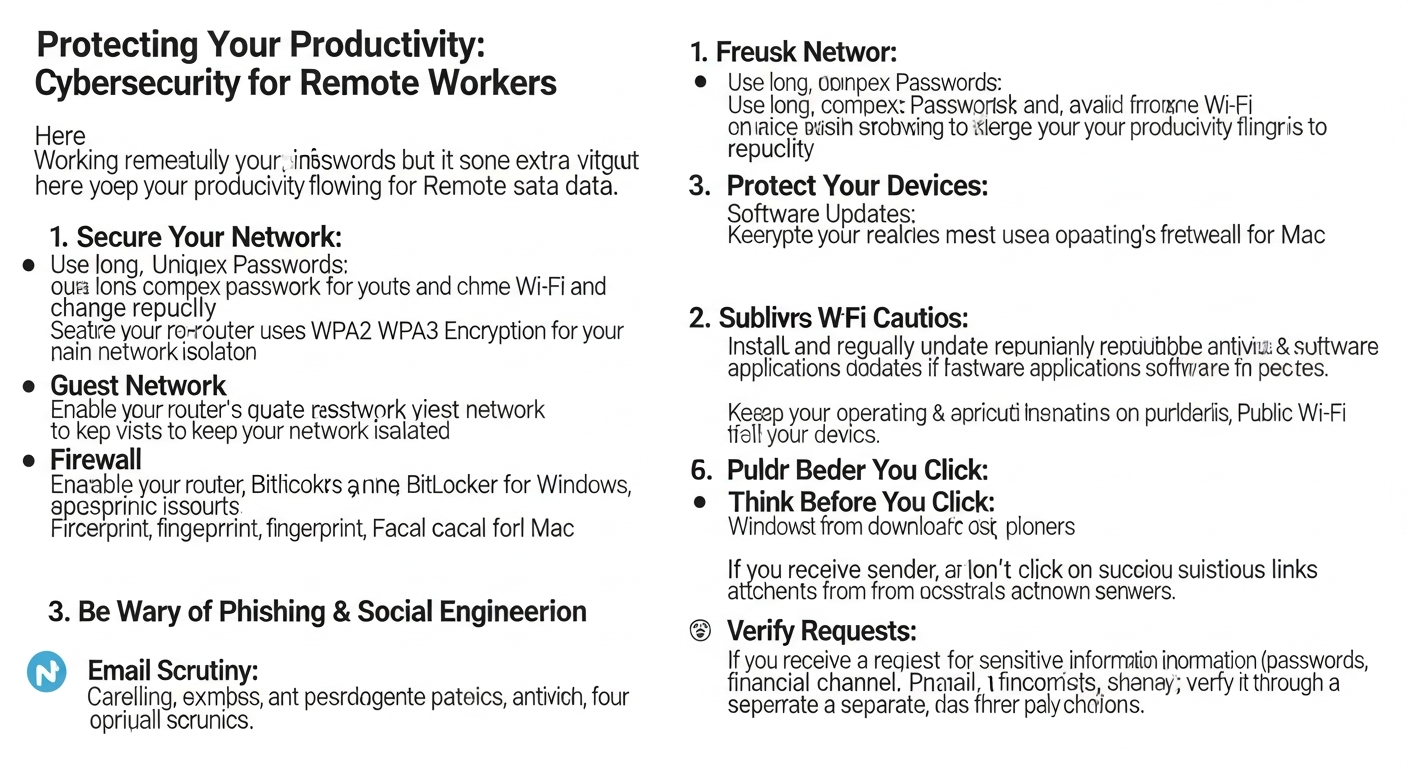

The Evolving Threat Landscape for Remote Work
The transition to remote work environments has, in many ways, expanded the attack surface for cybercriminals. Traditional perimeter-based security models, which largely protected on-site networks, are less effective when employees are dispersed across various locations, often using personal devices and home networks. This distributed nature of remote work has led to a significant increase in targeted cyberattacks, with threat actors exploiting vulnerabilities in home networks, personal devices, and less-secured communication channels.
One of the most prevalent threats is phishing and social engineering, which capitalize on human error and trust. Remote workers, often isolated from immediate colleagues and supervisors, can be more susceptible to carefully crafted emails or messages impersonating legitimate entities. These attacks aim to trick individuals into divulging sensitive information, downloading malware, or granting unauthorized access to systems.
Furthermore, the use of personal devices (Bring Your Own Device – BYOD) for work purposes, while offering flexibility, introduces inherent risks if not properly managed. These devices may lack corporate-grade security configurations, be used for non-work activities that expose them to malware, or simply not receive timely security updates. Home networks, typically less secure than corporate equivalents, also present an easy entry point for attackers looking to infiltrate a remote worker’s digital ecosystem.
The rise of sophisticated ransomware attacks, supply chain compromises, and zero-day exploits further complicates the security posture for remote operations. Cybercriminals are constantly innovating, developing new methods to bypass defenses and exploit emerging technologies. Therefore, a proactive, multi-layered approach to cybersecurity is not merely a recommendation but a necessity for every remote worker and the organizations they serve. Understanding these evolving threats is the first step in building a resilient defense strategy.
Foundational Cybersecurity Practices for Every Remote Worker
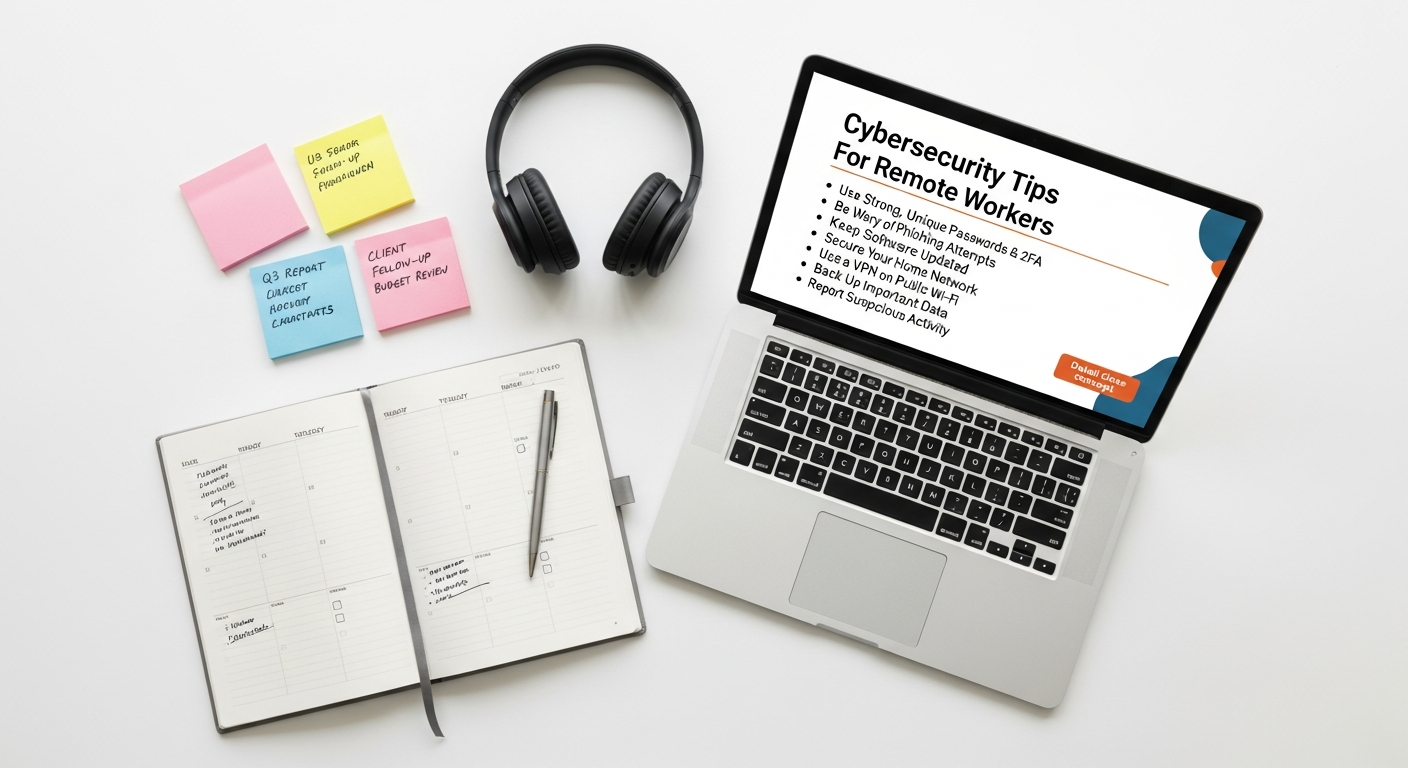
Establishing a strong cybersecurity foundation is paramount for remote workers. These basic yet crucial practices significantly reduce vulnerability and protect against a wide array of cyber threats. Ignoring them is akin to leaving the front door unlocked in a high-crime area.
Strong Passwords and Multi-Factor Authentication (MFA)
The cornerstone of digital security begins with passwords. A strong password should be a unique, long phrase (ideally 12+ characters) that combines uppercase and lowercase letters, numbers, and symbols. Avoid easily guessable information like birthdates, pet names, or sequential numbers. Critically, never reuse passwords across different accounts. If one service is breached, all accounts sharing that password become vulnerable.
To manage multiple strong passwords without resorting to memorization or insecure methods, a reputable password manager is indispensable. These tools encrypt and store your credentials, requiring only one master password for access. Many organizations enforce password policies, but even for personal accounts, adopting strong password hygiene is a non-negotiable step.
Beyond strong passwords, Multi-Factor Authentication (MFA) adds an essential layer of security. MFA requires users to provide two or more verification factors to gain access to an account. This typically involves something you know (password), something you have (a phone or hardware token), or something you are (biometrics like a fingerprint or face scan). Even if a cybercriminal obtains your password, they cannot access your account without the second factor. Enabling MFA on all work-related accounts, email, cloud services, and even personal social media is a critical defense mechanism against unauthorized access. Most reputable services offer MFA options, and it should be enabled whenever available.
Securing Your Home Network
Your home Wi-Fi network is the gateway to your digital life and, for remote workers, a critical component of the corporate infrastructure. An unsecured home network is an open invitation for attackers. Start by changing the default username and password of your router – these are often publicly known and easily exploited. Choose a strong, unique password for your router’s administrative interface.
Next, secure your Wi-Fi network itself. Use WPA3 encryption if your router supports it; otherwise, WPA2 is the minimum acceptable standard. Avoid WEP, which is easily cracked. Disable WPS (Wi-Fi Protected Setup) if you don’t use it, as it can be a vulnerability. Consider creating a separate guest network for non-work devices and visitors. This isolates your work devices from potentially less secure personal devices or those belonging to guests.
Regularly update your router’s firmware. Manufacturers often release updates to patch security vulnerabilities. Check your router’s settings or manufacturer’s website for instructions. Finally, be mindful of connected devices on your home network. Internet of Things (IoT) devices, such as smart speakers, cameras, or thermostats, can introduce vulnerabilities. Ensure these devices are also updated and secured with strong, unique passwords.
Keeping Software Updated
Software vulnerabilities are a primary target for cybercriminals. Developers continuously release patches and updates to fix these weaknesses and improve security. Running outdated software is like leaving a window open for intruders. This applies to every piece of software you use: your operating system (Windows, macOS, Linux), web browsers (Chrome, Firefox, Edge), productivity applications, communication tools, and even your router’s firmware.
Enable automatic updates whenever possible for your operating system and critical applications. For software that requires manual updates, make it a habit to check for and install them regularly. Proactive updating is one of the simplest yet most effective cybersecurity measures. It ensures you benefit from the latest security enhancements and bug fixes, closing potential backdoors that attackers could exploit. This vigilance extends to the tools you use for productivity; even the Best Productivity Apps 2026 will only be secure if kept up-to-date.
Protecting Your Devices: Laptops, Smartphones, and More
Device Encryption
Imagine losing your laptop or phone. Without encryption, all the sensitive data stored on it – company documents, client information, personal details – would be immediately accessible to anyone who finds it. Device encryption scrambles the data on your hard drive or mobile device, rendering it unreadable without the correct decryption key (usually your login password or a PIN). If your device is lost or stolen, encryption acts as a robust barrier, protecting your data from unauthorized access.
Most modern operating systems come with built-in encryption features: BitLocker for Windows Professional editions and FileVault for macOS. Mobile devices typically offer full-disk encryption by default. It is imperative to ensure these features are enabled on all devices used for work, both company-issued and personal BYOD. Always confirm that the encryption is active and that recovery keys are securely stored, preferably not on the same device.
Antivirus and Anti-Malware Solutions
Even with careful browsing habits, malware remains a persistent threat. Antivirus and anti-malware software are your first line of automated defense against viruses, worms, Trojans, ransomware, spyware, and other malicious programs. These tools actively scan files, emails, and web activity, identifying and neutralizing threats before they can inflict damage.
It’s crucial to install a reputable antivirus solution on all work devices and keep it consistently updated. Many solutions offer real-time protection, scanning files as they are accessed or downloaded. Schedule regular full-system scans to catch anything that might have slipped past real-time monitoring. While free versions exist, paid solutions often offer more comprehensive features, better support, and superior threat detection. Never run multiple antivirus programs simultaneously, as they can conflict and reduce system performance without enhancing security.
Physical Security Measures
Digital security often overshadows physical security, but for remote workers, both are equally important. Your devices, even when digitally secured, are vulnerable to physical theft or unauthorized access if left unattended.
- Secure Your Workspace: Whether you work from a home office, a co-working space, or a coffee shop, always be mindful of your surroundings. Lock your office door if you live with others who shouldn’t access work devices.
- Never Leave Devices Unattended: This is especially critical in public spaces. A moment’s distraction is all a thief needs.
- Use Cable Locks: For laptops in shared environments, a physical cable lock can deter opportunistic theft.
- Privacy Screens: When working with sensitive information in public, a privacy screen on your monitor can prevent “shoulder surfing” – where onlookers can see your screen. While the article How To Choose Monitor For Work focuses on ergonomic and display quality aspects, considering privacy features like integrated privacy filters is a valuable addition for remote workers handling confidential data.
- Secure Storage: When not in use, store devices in a secure location. Avoid leaving laptops visible in your car.
Remember, a lost or stolen device is not just a financial loss; it represents a potential data breach that can have far-reaching consequences for both you and your organization.
Data Security and Privacy Best Practices
In the digital age, data is currency, and protecting it is paramount. Remote workers handle sensitive information daily, making robust data security and privacy practices essential components of their cybersecurity posture.
Cloud Security
Cloud services have become indispensable for remote work, offering flexibility and scalability for storage, collaboration, and application hosting. However, the convenience of the cloud comes with its own set of security considerations. When using cloud platforms (e.g., Google Drive, OneDrive, Dropbox, Salesforce), always:
- Use Strong, Unique Passwords and MFA: As discussed, these are non-negotiable for cloud accounts.
- Understand Sharing Settings: Be extremely cautious about sharing files and folders. Ensure you only share with necessary individuals and grant the minimum required permissions (e.g., view-only instead of edit access). Regularly review sharing settings to revoke access for those who no longer need it.
- Be Aware of Public Links: Publicly accessible links to files or folders can expose sensitive data. Use them sparingly and with extreme caution.
- Check Cloud Provider Security: Understand the security measures implemented by your cloud service provider. While they manage the infrastructure, you are responsible for how you configure and use the service.
- Avoid Storing Highly Sensitive Data: If your organization has specific policies against storing certain types of highly sensitive or regulated data in public cloud services, adhere strictly to those guidelines.
The shared responsibility model of cloud security means that while providers secure the “cloud,” you are responsible for security in the cloud.
Secure File Sharing and Storage
Beyond general cloud security, specific practices for file sharing and local storage are crucial. Avoid using insecure methods like emailing sensitive documents as unencrypted attachments. Instead, leverage secure, enterprise-grade file-sharing platforms provided by your organization, which often include encryption, access controls, and auditing capabilities.
For local storage, ensure your device’s hard drive is encrypted, as mentioned previously. Regularly back up your important work files to a secure, encrypted cloud service or an external drive that is also encrypted and stored securely. This protects against data loss due to device failure, theft, or ransomware attacks. When disposing of old devices, always perform a secure data wipe to prevent data recovery.
Understanding Data Privacy Laws
Remote workers, especially those dealing with customer data, often operate under various data privacy regulations such as GDPR (General Data Protection Regulation), CCPA (California Consumer Privacy Act), HIPAA (Health Insurance Portability and Accountability Act), or local jurisdictional laws. It’s critical to understand and comply with these regulations to avoid legal repercussions and maintain customer trust.
This includes knowing:
- What types of data are considered sensitive.
- How to properly collect, store, process, and transmit such data.
- The rights individuals have regarding their data.
- Reporting procedures in case of a data breach.
Organizations should provide clear guidelines and training on these laws. As a remote worker, being knowledgeable about data privacy is not just about compliance; it’s about upholding ethical standards and protecting individuals’ fundamental right to privacy.
Navigating Communication and Collaboration Securely
Communication is the lifeblood of remote teams, but it’s also a primary vector for cyberattacks. Securing your communication channels is crucial to prevent data leaks, phishing scams, and corporate espionage.
Email Security
Email remains the most common and often exploited communication channel. Despite its ubiquity, email is inherently vulnerable if not handled with care. Here are key email security tips:
- Be Wary of Phishing: Always scrutinize the sender’s email address, look for grammatical errors, suspicious links, and urgent requests for information. If an email seems even slightly suspicious, do not click on links or open attachments. Verify the sender through an alternative, trusted channel (e.g., a phone call).
- Use Strong Passwords and MFA: Your email account is often the key to resetting other accounts. Protect it fiercely.
- Encrypt Sensitive Emails: If sending highly confidential information via email, use end-to-end encryption tools or secure portals provided by your organization.
- Beware of Attachments: Never open attachments from unknown or suspicious senders. Even attachments from known senders should be viewed with caution if the email content seems unusual.
- Leverage Best Email Management Tools 2026 with Security Features: Many modern email clients and services offer advanced security features like spam filters, phishing detection, and attachment scanning. Utilize these features to their fullest extent.
The rule of thumb for email is: when in doubt, throw it out. It’s better to be overly cautious than to fall victim to a sophisticated email attack.
Secure Messaging and Video Conferencing
Instant messaging and video conferencing tools are vital for remote collaboration. While convenient, they can also be exploited. Choose platforms that offer end-to-end encryption for both messages and calls. Ensure you are using the official client applications and not web-based versions that might be more susceptible to browser-based attacks.
When participating in video conferences:
- Use Strong Passwords/PINs: Protect your meetings from unauthorized access (“Zoombombing”).
- Don’t Share Meeting Links Publicly: Only share meeting invitations with authorized participants.
- Utilize Waiting Rooms: This allows you to vet participants before they enter the main meeting.
- Be Mindful of Your Background: Ensure no sensitive information or personal items are visible that could compromise privacy or security.
- Keep Software Updated: Regularly update your messaging and video conferencing applications to benefit from the latest security patches.
Always verify the identity of participants, especially in sensitive meetings. If an unknown participant joins, confirm their identity before proceeding.
Phishing and Social Engineering Awareness
As mentioned earlier, phishing and social engineering are persistent threats. These attacks don’t target technical vulnerabilities but human psychology. They rely on deception, urgency, fear, or curiosity to manipulate individuals into taking actions that compromise security. This can range from clicking a malicious link to revealing login credentials or transferring funds to fraudulent accounts.
Key defenses against these attacks include:
- Constant Vigilance: Treat every unsolicited communication with suspicion.
- Verification: Always verify unexpected requests for information or action through a separate, trusted channel. If your “CEO” emails asking for immediate wire transfers, call them to confirm using a known number, not one provided in the email.
- Education: Understand common phishing tactics, such as urgent requests, emotional manipulation, and suspicious links.
- Report Suspicious Activity: If you receive a suspicious email or message, report it to your IT security team immediately. This helps protect others in your organization.
Remember, cybercriminals are sophisticated. They may research their targets, making their attacks highly personalized and convincing. Your best defense is a healthy dose of skepticism and a commitment to verifying unusual requests.
Building a Security-Conscious Remote Work Culture
Individual cybersecurity practices are crucial, but a truly secure remote work environment requires a collective commitment. Organizations and remote workers must collaborate to foster a culture where security is integrated into daily operations.
Regular Security Training
Technology evolves, and so do cyber threats. Therefore, one-off security training is insufficient. Regular, engaging, and up-to-date security awareness training is vital for all remote workers. This training should cover:
- The latest phishing and social engineering tactics.
- Company-specific security policies and procedures.
- Proper use of approved tools and platforms.
- Incident response protocols (what to do if you suspect a breach).
- Data privacy best practices relevant to their roles.
Training should not be a dry, compliance-driven exercise but an interactive opportunity to empower employees with the knowledge and skills to protect themselves and the organization. Phishing simulation exercises can also be highly effective in reinforcing training and identifying areas for improvement.
Incident Response Planning
No security measure is foolproof. Despite best efforts, security incidents can and do occur. What distinguishes resilient organizations is their ability to respond effectively when a breach happens. Remote workers play a critical role in incident response.
Every remote worker should know:
- How to Identify a Security Incident: Recognizing signs of a compromise (e.g., suspicious system behavior, unauthorized access alerts, strange emails).
- Whom to Contact: The designated IT security team or individual responsible for incident reporting.
- What Information to Provide: Details about the incident, timestamps, screenshots, and any relevant observations.
- Immediate Steps to Take: For example, disconnecting from the network, changing passwords, or isolating a device.
Prompt reporting and adherence to incident response protocols are crucial to minimizing the damage from a security breach. A well-rehearsed plan can mean the difference between a minor disruption and a catastrophic data loss.
Leveraging Productivity Tools Securely
Remote workers rely heavily on a suite of digital tools to stay productive. From project management software to communication platforms, these tools are central to daily operations. While exploring the Best Productivity Apps 2026, it’s essential to prioritize those with robust security features.
- Use Approved Tools: Stick to applications and platforms sanctioned by your organization. Unapproved “shadow IT” tools can introduce unmonitored vulnerabilities.
- Configure Security Settings: Take advantage of security settings within productivity apps, such as access controls, audit logs, and data encryption.
- Regularly Review Permissions: Ensure that collaborators only have the necessary permissions on shared documents and projects.
- Keep Apps Updated: As emphasized, ensure all productivity applications are running the latest versions.
Integrating security into the selection and use of productivity tools ensures that efficiency doesn’t come at the cost of vulnerability. A secure and productive remote worker is an asset, not a liability.
The Future of Remote Work Security: What’s Next?
The landscape of remote work and cybersecurity is dynamic, constantly evolving with technological advancements and emerging threats. Looking ahead to 2026 and beyond, we can anticipate several key trends that will shape the future of remote work security.
One significant area of focus will be the continued adoption and refinement of Zero Trust Architecture (ZTA). Rather than assuming that everything inside a corporate network is safe, Zero Trust operates on the principle of “never trust, always verify.” Every user, device, and application attempting to access resources, regardless of location, must be authenticated and authorized. This model is particularly well-suited for distributed remote workforces, providing more granular control and reducing the impact of potential breaches.
The role of Artificial Intelligence (AI) and Machine Learning (ML) in cybersecurity will also expand dramatically. AI-powered tools will become more adept at detecting anomalous behavior, identifying sophisticated phishing attempts, and predicting emerging threats in real-time. This will empower security teams to respond faster and more effectively, minimizing the window of opportunity for attackers.
Furthermore, expect greater emphasis on identity-centric security. With the proliferation of cloud services and decentralized access, managing and securing digital identities will be paramount. This includes advanced identity governance, continuous authentication, and biometric verification methods to ensure that only legitimate users access sensitive resources.
Finally, the human element will remain a critical factor. As technology evolves, so too will the sophistication of social engineering attacks. Continuous, adaptive security training, focused on fostering a strong security culture and enhancing critical thinking skills, will be more important than ever. The future of remote work security is not just about technology; it’s about a holistic approach that integrates advanced systems with an educated, vigilant workforce. For Bookmark Sharer, promoting secure and productive digital habits will always be at the forefront of our mission, guiding remote professionals through this complex and ever-changing environment.
Frequently Asked Questions
Recommended Resources
You might also enjoy How To Choose The Right Font Pairing from Layout Scene.
Related reading: What Is Data Analytics And How To Use It For Business (Eamped).


