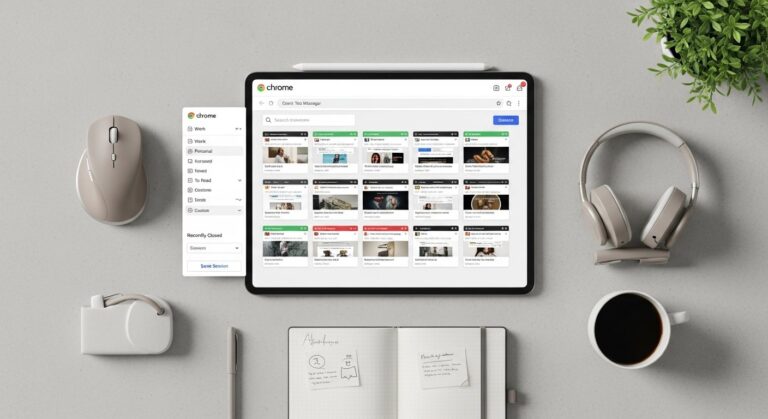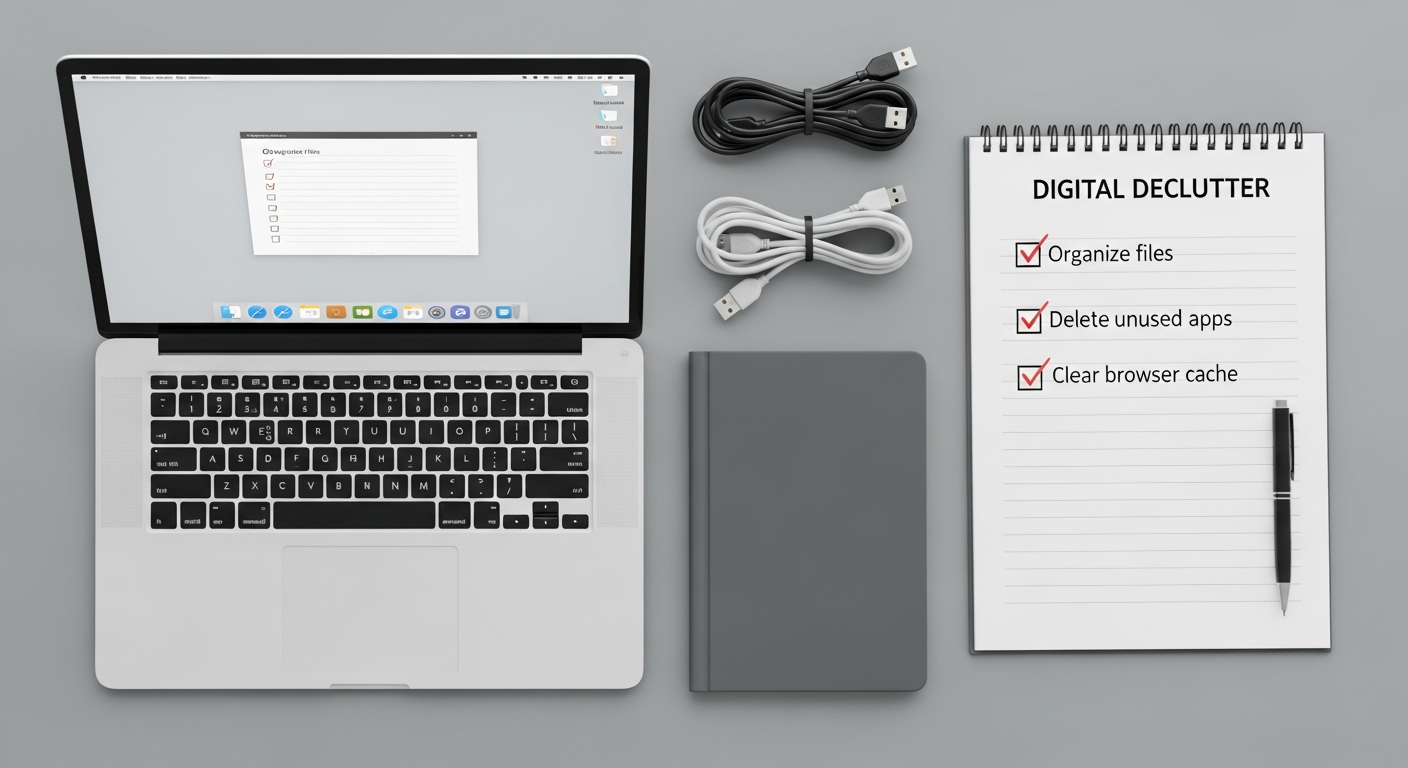

Understanding the Digital Clutter Problem and Its Productivity Toll
The digital age, while offering unparalleled convenience and connectivity, has also ushered in an era of unprecedented data accumulation. Every email received, every document downloaded, every app installed, and every subscription activated contributes to a sprawling digital footprint. Over time, this accumulation morphs into digital clutter – a pervasive issue that extends far beyond mere aesthetic untidiness. It represents a significant drain on cognitive resources and a tangible barrier to productivity.
Imagine searching for a crucial report amidst thousands of unorganized files, or missing an important client email because it’s buried under hundreds of promotional newsletters. These aren’t isolated incidents; they are daily realities for many. The psychological impact is profound: constant low-level stress, decision fatigue from an endless stream of information, and a pervasive sense of being overwhelmed. This mental overhead directly translates into lost time, reduced focus, and diminished output. Studies consistently show that individuals with organized digital environments spend less time searching for information and more time on core tasks, leading to higher job satisfaction and improved overall efficiency. A truly effective digital declutter guide for productivity must first acknowledge the depth of this challenge before offering solutions.
Furthermore, digital clutter isn’t just about files and emails. It encompasses unused software hogging system resources, forgotten accounts posing security risks, and an incessant barrage of notifications pulling your attention in multiple directions. Each of these elements contributes to a fragmented workflow and a diminished capacity for deep work. Recognizing the multifaceted nature of digital clutter is the first crucial step towards reclaiming your digital sanity and supercharging your productivity.
The Foundational Principles of Effective Digital Decluttering
Embarking on a digital decluttering journey requires more than just deleting a few old files; it demands a shift in mindset and the adoption of core principles that will guide your actions and sustain your efforts long-term. Think of it as cultivating a minimalist approach to your digital life, prioritizing utility, intentionality, and clarity.
- Intentionality: Every digital item—be it a file, an app, an email subscription, or a social media connection—should serve a clear purpose or provide genuine value. If it doesn’t, it’s clutter. Before acquiring new digital assets, ask yourself: “Do I truly need this, and how will it contribute to my productivity or well-being?” This proactive approach prevents clutter before it even starts.
- Regularity and Routine: Digital decluttering isn’t a one-time event; it’s an ongoing process. Just as you tidy your physical space, your digital environment requires regular maintenance. Establish routines for reviewing your files, processing your inbox, and auditing your apps. Small, consistent efforts prevent overwhelming backlogs.
- The “Digital KonMari” Approach: Inspired by Marie Kondo’s philosophy, apply the “does it spark joy?” question to your digital items. For digital assets, this translates to: “Does it serve a current purpose, provide value, or is it essential for future reference?” If the answer is no, respectfully delete, archive, or unsubscribe. Be ruthless but thoughtful.
- Categorization and Simplification: A well-organized digital system relies on logical categorization. Create clear, intuitive folder structures for your files, use labels for your emails, and group similar apps. The goal is simplification – making it easy to find what you need quickly and reducing cognitive load. Avoid overly complex systems that are difficult to maintain.
- Automation and Delegation: Where possible, leverage tools and features to automate repetitive tasks like filing emails, backing up documents, or managing notifications. For tasks that can’t be automated, consider delegating if you’re part of a team. The less manual intervention required, the easier it is to maintain a clean digital space.
By embracing these foundational principles, you’re not just tidying up; you’re building a sustainable system that supports a more focused, less stressful, and ultimately more productive digital life. This mindset is crucial for any effective digital declutter guide for productivity.
Reclaiming Your Digital Workspace: Desktop, Files, and Folders
Desktop Hygiene: The Clear Screen Policy
- Eliminate “Icon Overload”: Your desktop should ideally be a temporary holding area, not a permanent storage solution. Move all non-essential files into designated folders immediately. Consider implementing a “clear screen” policy where only a few essential shortcuts or active project folders reside.
- Temporary Folders: Create a single “TEMP” or “To Process” folder on your desktop. All new downloads, screenshots, or quick saves go here. Schedule a daily or weekly review to process these items: file them appropriately, delete them, or move them to a more permanent location.
- Dynamic Wallpapers: Some operating systems allow for dynamic wallpapers or widgets that can display useful information without adding to clutter. Use these sparingly and intentionally.
Mastering File Organization: Structure and Consistency
- Logical Folder Hierarchy: Develop a consistent, intuitive folder structure. Start with broad categories (e.g., “Projects,” “Clients,” “Personal,” “Resources”) and then create subfolders as needed. Avoid creating too many layers, which can make navigation cumbersome. A common structure might look like:
Projects > [Client Name] > [Project Name] > Documents, Communications, Assets. - Consistent Naming Conventions: This is paramount for quick retrieval. Adopt a standard naming convention and stick to it religiously. A popular and highly effective method is
YYYY-MM-DD_ProjectName_DocumentTitle_VersionNumber(e.g.,2026-03-15_MarketingCampaign_StrategyDoc_v3.pdf). This allows for chronological sorting and clear version control. - Delete Duplicates and Old Versions: Regularly scan for duplicate files that consume valuable space and create confusion. When working on documents with multiple revisions, ensure you archive or delete older versions once a final one is approved, keeping only the most relevant copies.
- Utilize Search Effectively: Once your files are well-named and organized, leverage your operating system’s search function. With consistent naming, finding specific documents becomes remarkably fast and efficient.
- Regular Archiving: For completed projects or inactive files that you might need for historical reference but don’t require immediate access, move them to an “Archive” folder or an external drive/cloud storage. This keeps your active workspace lean.
By implementing these strategies, you transform your digital workspace from a source of frustration into a powerful engine for productivity, making it a cornerstone of any truly effective digital declutter guide for productivity.
Mastering Your Inbox: Strategies for Email Zen
Email, while an indispensable communication tool, can quickly become one of the most significant sources of digital clutter and stress. An overflowing inbox not only overwhelms but also distracts, making it challenging to identify urgent messages and respond promptly. Achieving “inbox zero” might seem like an unattainable dream, but with strategic decluttering and ongoing management, it’s entirely within reach. This section is vital for any comprehensive digital declutter guide for productivity.
Conquering the Influx: Proactive Email Management
- Unsubscribe Ruthlessly: The first and most impactful step is to stop the flow of unwanted emails. Dedicate time to unsubscribe from newsletters, promotional lists, and alerts you no longer read or find valuable. Tools like Unroll.me or your email provider’s built-in unsubscribe features can help streamline this process. If you haven’t opened an email from a sender in months, it’s a strong candidate for unsubscribing.
- Set Up Filters and Rules: Most email clients offer robust filtering capabilities. Use these to automatically sort incoming emails into designated folders, mark them as read, or even delete them. For example, all receipts could go into a “Receipts” folder, or social media notifications into a “Social” folder. This keeps your primary inbox clean for truly actionable items.
- Create a Folder/Label System: Develop a simple, intuitive system for organizing emails that you need to keep. Instead of letting everything sit in your inbox, move processed emails into folders like “Action Required,” “Waiting On,” “Reference,” or by project/client. Use labels (in Gmail) or categories (in Outlook) for more flexible organization, allowing one email to belong to multiple categories.
- Batch Process Emails: Avoid constantly checking your email, which is a major productivity killer. Instead, designate specific times during the day (e.g., once in the morning, once after lunch, once before logging off) to process your inbox. This allows for focused work sessions without constant interruption.
Leveraging Tools for Enhanced Email Productivity in 2026
The landscape of email management is constantly evolving, with new innovations making it easier to maintain a tidy inbox. When considering your strategy, it’s worth exploring the Best Email Management Tools 2026. These advanced solutions go beyond basic filtering:
- AI-Powered Sorting: Many modern tools leverage artificial intelligence to intelligently categorize emails, prioritize important messages, and even suggest replies, significantly reducing manual effort.
- CRM Integration: For sales and client-facing roles, tools that seamlessly integrate with Customer Relationship Management (CRM) systems can automatically log communications and tie emails directly to client profiles, streamlining workflows and preventing duplicate data entry.
- Task Management Integration: The most effective email tools often integrate with project management and task management platforms, allowing you to convert emails directly into tasks, assign them, and track their progress without leaving your inbox.
- Snooze and Send Later Features: These features help manage the timing of your email interactions, allowing you to temporarily remove an email from your inbox until you’re ready to deal with it, or schedule outgoing emails for optimal delivery times.
By combining proactive habits with intelligent tools, you can transform your email inbox from a source of anxiety into a powerful, organized communication hub, a critical component of any effective digital declutter guide for productivity.
Streamlining Your Software Ecosystem and Applications
Beyond files and emails, the applications and software you use daily form a significant part of your digital ecosystem. Just as too many physical tools can clutter a workshop, an excessive number of apps—many of which are rarely used or redundant—can slow down your devices, drain your attention with notifications, and complicate your workflow. A strategic audit of your software is essential for true digital decluttering and enhanced productivity.
Conducting an App Audit: Desktop, Mobile, and Web
- Inventory Your Apps: Take stock of every application installed on your computer, smartphone, and tablet. Don’t forget browser extensions and web-based services you’ve signed up for.
- Evaluate Usage: For each app, ask yourself:
- When was the last time I used this?
- Does it serve a unique, essential purpose?
- Could its function be replaced by an existing app I already use?
- Does it genuinely contribute to my productivity or well-being?
- Uninstall Unused Software: Be ruthless. If an app hasn’t been used in months and doesn’t serve a critical, occasional function, uninstall it. Unused software consumes storage space, can run background processes, and may even pose security risks if not regularly updated.
- Consolidate Redundant Apps: Many apps offer similar functionalities. For example, you might have multiple note-taking apps or different photo editors. Choose one preferred tool for each core function and uninstall the rest. This reduces context switching and simplifies your workflow.
Managing Notifications and Subscriptions
- Strategic Notification Management: Notifications are perhaps the biggest attention disruptors. Turn off all non-essential notifications on all your devices. Only allow notifications for truly urgent communications or essential work-related alerts. Schedule “do not disturb” periods during focused work.
- Review Subscriptions: Beyond app installations, consider your digital subscriptions (SaaS tools, content platforms, premium features). Are you still deriving value from all of them? Cancel those that are no longer essential or frequently used. This not only declutters your digital life but can also save you money.
Leveraging the Best Productivity Apps 2026
As part of your app audit, it’s an opportune moment to compare your current toolkit against the Best Productivity Apps 2026. The technology landscape evolves rapidly, and what was cutting-edge last year might be surpassed by more efficient, integrated solutions today. Evaluating your existing apps against industry leaders can help you:
- Identify Gaps: Discover new functionalities or integrations that could significantly enhance your workflow.
- Upgrade Inefficient Tools: Replace outdated or clunky software with more intuitive, powerful alternatives that genuinely boost efficiency rather than create friction.
- Streamline Workflows: Modern productivity apps often offer comprehensive suites that combine multiple functions (e.g., project management, communication, file sharing) into a single platform, reducing the need for numerous disparate tools.
By meticulously curating your software ecosystem, you ensure that every app serves a purpose, contributes positively to your work, and helps you maintain a lean, efficient digital environment. This deliberate approach is a cornerstone of any effective digital declutter guide for productivity.
Optimizing Digital Storage: Cloud, Drives, and Data Integrity
The vast quantities of data we generate and consume necessitate a robust and organized storage strategy. Whether it’s local hard drives, external devices, or cloud services, inefficient storage can lead to slow system performance, difficulty in finding files, and potential data loss. Optimizing your digital storage is a critical component of a comprehensive digital declutter guide for productivity.
Local Device Storage Cleanup
- Clear Downloads Folder: The downloads folder is a notorious graveyard for forgotten files. Regularly review and move essential items to their permanent locations, and delete everything else.
- Empty Trash/Recycle Bin: Files moved to the trash or recycle bin still occupy space until permanently deleted. Make it a habit to empty these bins regularly.
- Remove Temporary Files and Cache: Operating systems and web browsers accumulate temporary files and cache data that can slow down your device. Use built-in disk cleanup utilities or third-party tools to periodically clear these.
- Audit Large Files: Identify and manage large files (e.g., old videos, installer packages, uncompressed images) that are consuming significant space. Delete them if no longer needed, or move them to an external archive.
Mastering Cloud Storage: Efficiency and Accessibility
Cloud storage has revolutionized how we save, access, and share data. However, without proper management, cloud drives can become just as cluttered as local ones. This is where understanding Cloud Computing Explained Simply becomes invaluable.
- Cloud Computing Explained Simply: At its core, cloud computing means storing and accessing data and programs over the internet instead of your computer’s hard drive. For storage, this translates to services like Google Drive, Dropbox, OneDrive, and iCloud. The benefits are numerous:
- Accessibility: Access your files from any device, anywhere with an internet connection.
- Collaboration: Easily share and collaborate on documents with others.
- Backup & Redundancy: Your data is often backed up across multiple servers, offering greater security against local device failure.
- Scalability: Easily upgrade storage space as your needs grow, without needing new hardware.
- Organize Your Cloud Drives: Apply the same rigorous folder structures and naming conventions to your cloud storage as you do for your local files. Treat your cloud drive as an extension of your primary file system.
- Sync Selectively: If you use syncing services, ensure you’re only syncing folders you actively need on your local device. This saves local storage space and reduces network bandwidth usage.
- Regular Review: Periodically review your cloud storage for old projects, duplicate files, or shared documents that are no longer relevant. Delete or archive them to keep your cloud space clean and efficient.
- Security Best Practices: While cloud providers offer robust security, always use strong, unique passwords, enable two-factor authentication, and be mindful of what you share publicly.
Data Integrity and Backups
- Automated Backups: Implement an automated backup solution. Whether it’s to an external hard drive, another cloud service, or a dedicated backup solution, regular backups are non-negotiable for data integrity and peace of mind.
- The 3-2-1 Backup Rule: Keep at least three copies of your data, store them on two different types of media, and keep one copy offsite (e.g., in the cloud). This provides maximum protection against data loss.
By systematically organizing both your local and cloud storage, and understanding the power of cloud computing, you establish a resilient and accessible digital archive that supports, rather than hinders, your productivity. This intelligent approach to storage is a non-negotiable element of any effective digital declutter guide for productivity.
Cultivating Lasting Digital Zen: Sustainable Decluttering Habits
Achieving a digitally decluttered state is a significant accomplishment, but sustaining it requires ongoing commitment and the integration of new habits into your daily routine. Without a proactive maintenance strategy, digital clutter will inevitably creep back in. This final section focuses on building a framework for lasting digital zen, ensuring your efforts lead to long-term productivity gains and peace of mind.
Establish Regular Maintenance Routines
- The Daily Sweep: Dedicate 5-10 minutes at the end of each workday for a quick digital sweep. This might involve processing your “TEMP” folder, emptying your recycle bin, unsubscribing from one unwanted email, or clearing your browser downloads. Small, consistent actions prevent accumulation.
- The Weekly Review: Block out 30-60 minutes once a week for a more thorough digital declutter. This could include:
- Reviewing your “To Process” email folder.
- Organizing new files into their permanent locations.
- Deleting old meeting notes or temporary project files.
- Checking your desktop for lingering items.
- The Monthly Audit: Once a month, conduct a deeper audit. This is a good time to:
- Review your installed apps and browser extensions.
- Clean out your cloud storage.
- Check for duplicate files across your system.
- Evaluate your notification settings across devices.
Adopt Proactive Digital Habits
- Process Immediately: Whenever you download a file, receive an important email, or create a new document, make it a habit to process it immediately. File it correctly, respond if needed, or delete it if it’s no longer necessary. The “do it now” mentality prevents backlogs.
- The “One-In, One-Out” Rule for Apps: Before installing a new app, consider if it truly adds unique value. If you’re replacing an existing app, make sure to uninstall the old one. This prevents app bloat and keeps your software ecosystem lean.
- Mindful Digital Consumption: Be intentional about your digital interactions. Before clicking a link, signing up for a newsletter, or downloading a file, pause and consider its necessity and value. This mindful approach is key to preventing future clutter.
- Set Boundaries with Notifications: Continue to be vigilant about notification management. Regularly review which apps are permitted to send alerts and disable those that cause unnecessary distraction. Consider dedicated “focus modes” offered by operating systems.
- Digital Detox Periods: Periodically disconnect. Even short periods away from screens can reset your digital perspective and help you appreciate a cleaner digital environment. This can be as simple as an hour without your phone or a weekend without checking work emails.
By integrating these sustainable habits and routines, your digital environment will naturally remain organized, efficient, and conducive to high productivity. This continuous cultivation of digital zen is the ultimate goal of any robust digital declutter guide for productivity, transforming a one-time chore into an enduring lifestyle of digital mastery.
Frequently Asked Questions
Recommended Resources
Explore How To Choose The Right Business Intelligence Tool for additional insights.
Learn more about this topic in Ui Design Principles For Beginners at Layout Scene.