
Master Your Day in 2026: The Ultimate Time Blocking Guide for Modern Professionals
But what if there was a strategic way to not just manage your time, but to truly master it? Enter time blocking – a powerful, yet surprisingly simple, productivity strategy that transforms your amorphous day into a structured, intentional masterpiece. It’s more than just a calendar entry; it’s a commitment to focused work, deliberate breaks, and reclaiming control over your most precious resource.
For 2026, time blocking isn’t just a trend; it’s a foundational skill for digital-savvy individuals looking to achieve deep work, reduce stress, and create a sustainable, high-impact workflow. This comprehensive guide will equip you with the knowledge, tools, and step-by-step instructions to implement time blocking effectively, turning your digital calendar into your most potent productivity ally. Let’s dive in and structure your path to a more focused, productive, and balanced future.
Why Time Blocking is Your 2026 Productivity Superpower
You’ve likely heard of to-do lists – they’re a staple. But here’s the rub: a list, by itself, doesn’t allocate time or energy. It just tells you what needs doing, not when or for how long. This is where time blocking steps in, transforming your good intentions into concrete commitments.
- Beyond the To-Do List: Traditional to-do lists often lead to “task paralysis” – a long list with no clear path forward. Time blocking forces you to assign specific tasks to specific time slots, creating a realistic roadmap for your day.
- The Power of Commitment: When you block out time for a task on your calendar, you’re making a visible commitment. It’s no longer a vague intention; it’s an appointment with yourself, signaling its importance. This mental shift significantly boosts follow-through.
- Fighting Digital Distractions: In an age of constant pings and notifications, time blocking acts as a digital shield. By proactively scheduling focus time, you empower yourself to close tabs, silence alerts, and say “no” to interruptions, knowing exactly what you should be working on.
- Achieving Deep Work: Modern work often fragments our attention into shallow, reactive tasks. Time blocking carves out sacred, uninterrupted blocks for “deep work” – tasks that require intense focus and deliver high value. This is where true innovation and significant progress happen.
- Reducing Decision Fatigue: When your day is structured, you spend less mental energy deciding what to work on next. This frees up cognitive resources for the actual work, leading to less stress and more efficient output.
- Setting Boundaries: Time blocking isn’t just about work; it’s about life. By scheduling personal time, breaks, exercise, and family commitments, you create clear boundaries, preventing work from bleeding into every aspect of your life and fostering better work-life integration.
In essence, time blocking isn’t about restricting your freedom; it’s about liberating your focus. It’s about being intentional with your minutes so you can make the most of your hours.
Essential Tools for Time Blocking in 2026: Your Digital Arsenal
While the concept of time blocking is simple, the right digital tools can elevate your strategy from a good idea to an indispensable system. For modern professionals, leveraging technology is key to seamless integration and sustained success.
1. Your Digital Calendar: The Non-Negotiable Foundation
This is where all your time blocks will live. Consistency across devices and robust features are paramount.
- Google Calendar: The reigning champion for many, and for good reason.
- Why it’s great: Ubiquitous, cloud-based, accessible from anywhere, integrates seamlessly with Gmail, Google Meet, and a vast ecosystem of third-party apps. It supports multiple calendars (e.g., Work, Personal, Side Project), color-coding, recurring events, and detailed event descriptions.
- How to use for time blocking: Create specific events for your tasks. Use different colors for different types of blocks (e.g., green for deep work, blue for meetings, yellow for personal time). Add detailed descriptions within each block, outlining goals or specific tasks to be completed during that time. Set reminders to help you transition between blocks.
- Outlook Calendar: The enterprise powerhouse, especially for Microsoft 365 users.
- Why it’s great: Deep integration with Outlook email, Teams, and the entire Microsoft Office suite. Robust features for meeting scheduling, shared calendars, and “busy” status management.
- How to use for time blocking: Similar to Google Calendar, create appointments for your time blocks. Leverage its ability to automatically update your Teams status to “Busy” or “In a meeting” when you’re in a focus block, signaling to colleagues not to interrupt.
- Apple Calendar: Seamless for those deeply embedded in the Apple ecosystem.
- Why it’s great: Syncs effortlessly across iPhone, iPad, Mac, and Apple Watch. Clean interface, natural language input for event creation (e.g., “Deep work tomorrow at 9 am for 2 hours”).
- How to use for time blocking: Excellent for quick scheduling on the go. Use multiple calendars and color-coding to differentiate block types.
2. Premium Calendar & AI Scheduling Apps
For those seeking enhanced features and automation, these tools take time blocking to the next level.
- Fantastical (Mac, iOS, iPadOS):
- Why it’s great: Widely considered the best third-party calendar app for Apple users. Features incredibly powerful natural language parsing, beautiful design, multiple calendar sets (quickly switch between work and personal views), and robust task integration (with Todoist, Reminders).
- How to use for time blocking: Its natural language input makes creating blocks incredibly fast. “Deep work on Project Alpha from 9-11am tomorrow” instantly creates the block. Its ability to show tasks alongside your calendar makes it easy to drag and drop tasks into specific time slots.
- Skedpal:
- Why it’s great: An AI-powered scheduling assistant that goes beyond traditional calendars. You feed it your tasks (from Todoist, Trello, Jira, etc.) and your availability, and it intelligently schedules them into your calendar, optimizing for priorities, deadlines, and focus time. It automatically reshuffles if something changes.
- How to use for time blocking: Define your “focus time” slots as fixed blocks. Skedpal will then fill the gaps with your tasks, ensuring your most important work gets done within those dedicated slots. It’s like having a personal scheduling assistant.
- Motion:
- Why it’s great: Another AI-driven scheduler designed to optimize your day for deep work and minimize scheduling friction. Motion not only blocks out time for tasks but also intelligently schedules meetings, finding the best slots to protect your focus time.
- How to use for time blocking: Similar to Skedpal, you input your tasks and Motion automatically creates a dynamic time-blocked schedule. It’s particularly strong at protecting those crucial deep work blocks from meeting creep.
3. Task Managers with Calendar Integration
Your tasks need to live somewhere before they become calendar blocks.
- Todoist / TickTick:
- Why they’re great: Excellent for capturing tasks, setting due dates, and organizing projects. Both offer robust integrations with Google Calendar, Outlook Calendar, and Apple Calendar.
- How to use for time blocking: Create your tasks in Todoist/TickTick first. Then, use their calendar sync features to push tasks with due dates onto your calendar. For more granular control, manually drag tasks from your task list into specific time blocks on your calendar (many premium calendar apps like Fantastical support this).
4. Focus & Distraction Blocking Tools
Once you’ve blocked the time, protect it.
- Freedom.to / Cold Turkey:
- Why they’re great: These apps block distracting websites and applications across all your devices for a set period, ensuring you can truly focus during your time blocks.
- How to use for time blocking: Activate a session for the duration of your deep work or focus blocks. This creates a digital barrier against common time sinks like social media or news sites.
- Forest / Pomodoro Apps (e.g., Focus Keeper):
- Why they’re great: Gamified focus tools that encourage the Pomodoro Technique (25 min work, 5 min break). Forest plants a virtual tree that grows during your focus session and dies if you leave the app.
- How to use for time blocking: Within a larger time block (e.g., a 2-hour deep work block), use a Pomodoro app to structure your focus into manageable bursts with built-in short breaks, optimizing mental stamina.
The Step-by-Step Blueprint: How to Implement Time Blocking Effectively
Ready to transform your day? Follow this actionable blueprint to integrate time blocking into your workflow.
Step 1: Audit Your Time (The “Before” Picture)
Before you can optimize, you need to understand where your time currently goes. This step is crucial for realistic planning.
- How: For a few days (ideally a full week), track everything you do. Use a time tracking app like Toggl Track or RescueTime (which automatically tracks app/website usage).
- Why: Identify your peak productivity hours, common distractions, and hidden time sinks. Are you spending too much time in meetings? Is email eating up your mornings? This data will inform your blocking strategy.
Step 2: Define Your Priorities & Goals (The “What”)
You can’t block time effectively if you don’t know what you need to accomplish.
- How: At the start of each week (and a quick review each evening for the next day), identify your Most Important Tasks (MITs) – the 1-3 tasks that, if completed, would make the biggest impact. Use a task manager like Todoist or ClickUp to list out all your tasks, then prioritize them. Consider using the Eisenhower Matrix (Urgent/Important) to categorize.
- Why: This ensures your time blocks are dedicated to high-value work, not just busywork.
Step 3: Schedule Your “Big Rocks” First (Deep Work & MITs)
These are the tasks that move the needle. Block them out before anything else.
- How: Open your digital calendar (Google Calendar, Outlook, Fantastical). Block out 1-3 hour chunks for your MITs and deep work. These blocks should ideally be during your peak productivity hours identified in Step 1.
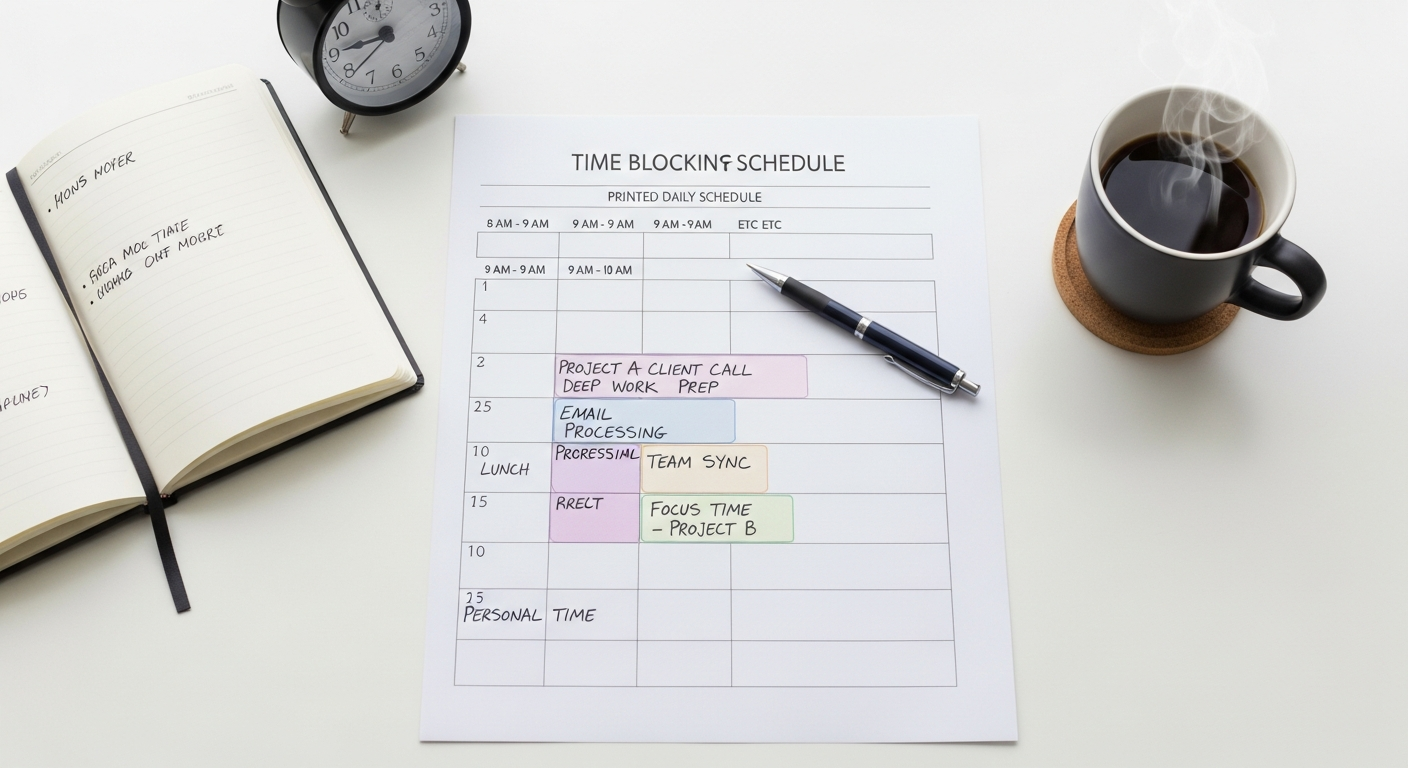
- Example: “Deep Work: Project Alpha Report” 9:00 AM – 11:30 AM (Monday, Wednesday, Friday). Make these recurring if applicable.
- Pro Tip: Treat these blocks like non-negotiable meetings. Protect them fiercely.
- Why: This ensures your most critical work gets dedicated, focused attention before your day gets hijacked by reactive tasks.
Step 4: Batch Similar Tasks (Efficiency Gains)
Context switching is a productivity killer. Group similar tasks together to minimize it.
- How: Create dedicated blocks for email, communication (Slack/Teams), administrative tasks, and meetings.
- Example: “Email & Comms Processing” 11:30 AM – 12:15 PM (daily). “Admin Tasks & Planning” 3:00 PM – 4:00 PM (daily). “Team Meetings” 1:00 PM – 2:30 PM (Tuesday/Thursday).
- Tool Tip: Set your email client to only fetch mail during these specific blocks, or use a tool like SaneBox to filter out non-essential emails.
- Why: Batching reduces the mental overhead of switching between different types of work, allowing you to get into a flow state for each category.
Step 5: Incorporate Breaks, Exercise, and Personal Time (Sustainability)
Burnout is the enemy of sustained productivity. Your well-being is non-negotiable.
- How: Explicitly schedule lunch, short breaks (e.g., 15-minute walks), exercise, and personal appointments. Treat these with the same importance as work blocks.
- Example: “Lunch & Walk” 12:15 PM – 1:00 PM. “Mindful Break / Stretch” 2:45 PM – 3:00 PM. “Family Time / Personal Project” 5:30 PM onwards.
- Why: Regular breaks refresh your mind, improve focus, and prevent mental fatigue. Scheduling personal time ensures you maintain work-life balance and prevent work from encroaching on your personal life.
Step 6: Plan for Flexibility & Contingency (Reality Check)
Life happens. Your schedule needs to bend, not break.
- How: Don’t overschedule every minute. Leave buffer time (15-30 minutes) between demanding blocks or at the end of the day. Consider adding a “Flex Block” or “Catch-up Time” once or twice a week.
- Example: A 30-minute buffer after a major meeting block. A 1-hour “Admin & Catch-up” block on Friday afternoon for unexpected tasks or spillover.
- Tool Tip: AI schedulers like Skedpal or Motion are excellent here, as they automatically adjust your schedule when things inevitably shift.
- Why: This prevents stress when unexpected interruptions occur and gives you breathing room to address urgent, unplanned tasks without derailing your entire day.
Step 7: Review and Adjust (Continuous Improvement)
Time blocking is an iterative process. It gets better with practice.
- How: At the end of each day (a quick 5-10 minute review) and at the end of each week (a more comprehensive 30-minute review), assess your time blocks.
- What worked well? What didn’t?
- Were your estimates for tasks accurate?
- Did you stick to your blocks? If not, why?
- What can you adjust for tomorrow/next week?
- Why: This feedback loop allows you to refine your strategy, improve your time estimations, and adapt your blocks to better suit your actual workflow and energy levels.
Advanced Time Blocking Strategies & Pro Tips for 2026
Once you’ve mastered the basics, these strategies can supercharge your time blocking game.
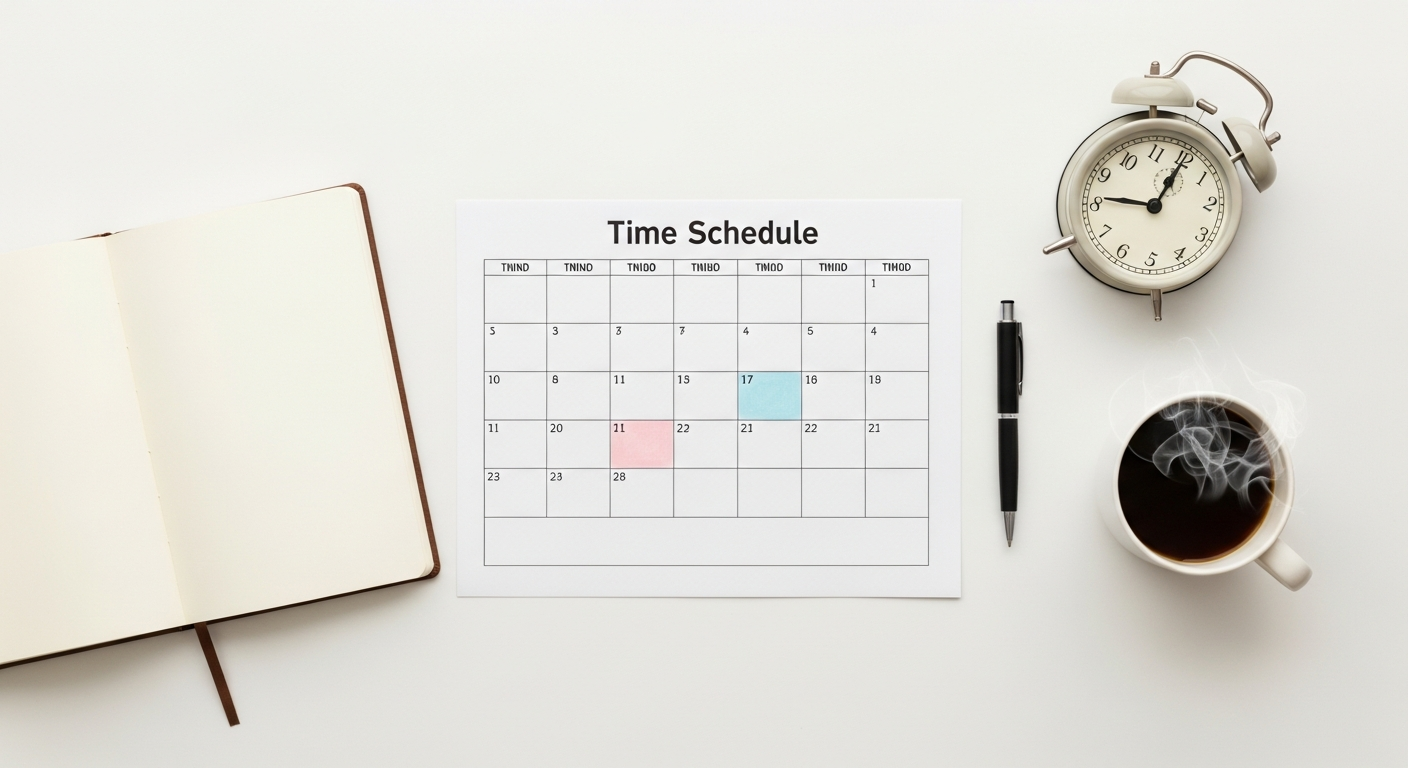
- Color-Coding Your Calendar for Visual Clarity: Assign different colors to different types of blocks in your digital calendar (e.g., red for meetings, green for deep work, orange for admin, purple for personal). This provides an instant visual overview of your day’s composition, helping you quickly identify if you have enough focus time or too many meetings.
- Theming Your Days (Batching on a Larger Scale): Dedicate entire days or half-days to specific types of work. For example, “Deep Work Tuesdays” where you schedule minimal meetings, or “Meeting Mondays” to get all external communication out of the way. This reduces context switching over the long term.
- Time Boxing within Time Blocks: While time blocking allocates a chunk of time for a task, time boxing sets a strict, non-negotiable deadline within that block. If you have a 2-hour “Project Planning” block, you might time box the “Brainstorming” phase to 45 minutes, regardless of completion, then move to “Outline Creation.” This prevents perfectionism and ensures progress.
- Protecting Your Blocks with Communication: Proactively inform colleagues about your deep work blocks. Use your calendar’s “busy” status, set an out-of-office reply for email during focus times, and update your Slack/Teams status. Clearly state when you’ll be available for questions (e.g., “I’m in a focus block until 11 AM; I’ll respond to messages during my comms block at 11:30 AM”).
- The “Parking Lot” for Stray Thoughts: During a deep work block, distractions will inevitably pop up (a new idea, an urgent-sounding email, a task you forgot). Instead of addressing them immediately and breaking your flow, quickly jot them down in a designated “parking lot” (a simple note app like Apple Notes, Google Keep, or a dedicated section in your task manager). Address them later during a dedicated “admin” or “flex” block.
- Integrating with Project Management Tools: Many project management tools (Asana, ClickUp, Jira, Trello) integrate with calendars. Leverage this by linking specific tasks or sub-tasks directly to your time blocks. This ensures that when you’re in a “Project X” block, you know exactly which items from Project X you’re tackling.
- Leveraging AI for Dynamic Scheduling: Tools like Skedpal and Motion truly shine here. Instead of manually moving blocks when priorities shift or unexpected meetings arise, these AI assistants automatically re-optimize your schedule. They learn your preferences and intelligently adjust, ensuring your most important tasks still get done, even when your day gets derailed. This reduces the mental load of rescheduling.
Common Time Blocking Pitfalls and How to Avoid Them
Even with the best intentions, time blocking can hit snags. Here’s how to navigate common challenges:
- Overscheduling Every Minute:
- Pitfall: You’ve filled every single minute of your day with a task, leaving no room for spontaneity, unexpected interruptions, or the natural ebb and flow of energy. This leads to frustration and a feeling of constant failure.
- Avoidance: Always leave buffer time (15-30 minutes) between intensive blocks or at the end of the day. Schedule a “flex block” once or twice a week for spillover tasks or unplanned events. Be realistic about how long tasks actually take.
- Lack of Flexibility (Rigid Adherence):
- Pitfall: Treating your time blocks as immutable laws. When an urgent request comes in or a meeting runs over, you panic, feel guilty, or try to force things, leading to stress.
- Avoidance: Understand that your schedule is a guide, not a prison. Be prepared to shift blocks. Use your “parking lot” for non-urgent interruptions. If a block gets derailed, quickly reassess and reschedule it rather than abandoning the entire system. Tools like Skedpal or Motion are excellent for dynamic adjustment.
- Ignoring Personal Time and Breaks:
- Pitfall: You diligently block work tasks but forget to schedule lunch, exercise, or downtime, leading to burnout and resentment.
- Avoidance: Schedule breaks, lunch, and personal appointments first. Treat them as non-negotiable. These are crucial for sustained productivity and mental well-being.
- Not Reviewing and Adjusting:
- Pitfall: You set up a schedule, stick to it for a few days, find it imperfect, and then abandon time blocking altogether without understanding why it didn’t work.
- Avoidance: Make the daily/weekly review (Step 7) a non-negotiable habit. Time blocking is a skill that improves with practice and iteration. Be patient with yourself and use insights from your reviews to refine your strategy.
- Giving Up Too Soon:
- Pitfall: Expecting immediate perfection. The first few days or weeks might feel clunky, and you might not stick to your schedule perfectly, leading to discouragement.
- Avoidance: It takes time to build a new habit and to accurately estimate task durations. Start small, perhaps by blocking just your most important task for a few hours a day. Celebrate small wins and focus on continuous improvement, not instant perfection.