
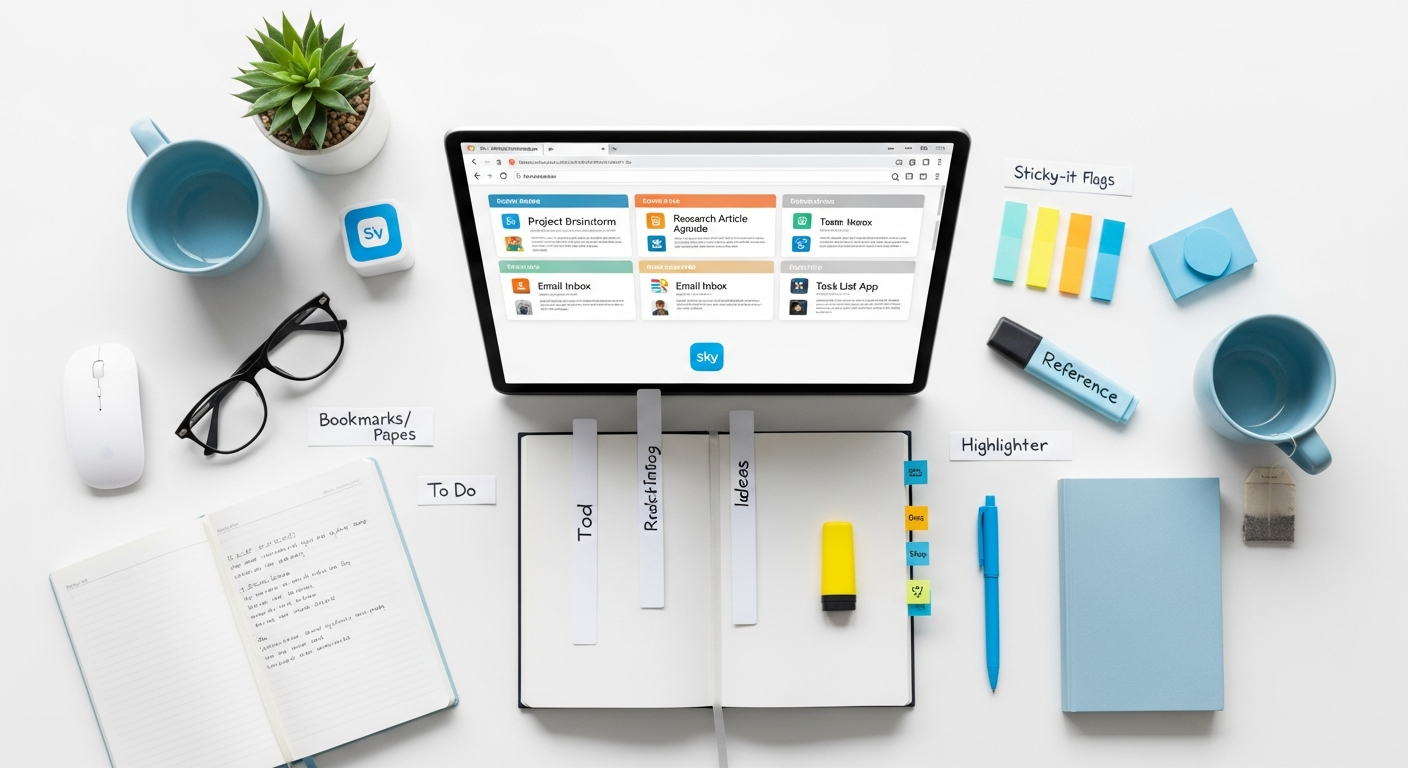

Mastering Your Conference & Talk Notes: A Comprehensive Workflow for Knowledge Retention
Pre-Conference Preparation: Setting the Stage for Success
The success of your note-taking efforts begins long before the first speaker takes the stage. Strategic preparation ensures you arrive focused, equipped, and ready to capture the most relevant information. Think of this as laying the groundwork for an efficient knowledge acquisition process.
- Define Your Objectives: Before attending, ask yourself: What do I hope to gain from this conference or talk? Are you looking for specific solutions, new industry trends, networking opportunities, or a deeper understanding of a particular topic? Clearly defined objectives act as a filter, helping you prioritize what to focus on and what to skim. For instance, if your goal is to find tools for project management, you’ll actively listen for discussions on software, methodologies, and case studies related to that.
- Research Speakers and Topics: Review the agenda and speaker bios in advance. This helps you identify key sessions that align with your objectives. Knowing a speaker’s background or the core theme of a talk allows you to anticipate concepts and formulate questions, making your note-taking more targeted. You can even pre-populate your notes with speaker names, session titles, and scheduled times.
- Choose Your Tools (and Stick to Them): Decide whether you’ll be using digital or analog methods, or a hybrid approach. Consistency is key. If you plan to use an app like Notion, ensure it’s set up and ready. If you prefer a notebook, make sure you have enough pages and pens. Having your tools prepared eliminates last-minute distractions and ensures you can jump straight into capturing information.
- Prepare Templates: Create a consistent template for each session or talk. This could include fields for:
- Date, Time, Event Name
- Speaker Name and Affiliation
- Session Title
- Key Takeaways/Main Ideas
- Questions for Q&A
- Action Items/Follow-ups
- Relevant Quotes
Using a template, whether digital or analog, provides structure and ensures you capture all essential contextual information, making your notes easier to review and integrate later. For digital tools like Evernote or OneNote, you can save these templates for quick duplication.
- Clear Your Digital Clutter: If you’re using a laptop or tablet, close unnecessary tabs and applications. Minimize potential distractions to maintain focus during the talk. Ensure your device is fully charged and you have a backup power source if needed.
By investing time in these preparatory steps, you significantly enhance your capacity for effective note-taking and, ultimately, your ability to extract maximum value from any conference or talk.
Choosing Your Weapon: Digital vs. Analog Note-Taking Tools

The choice between digital and analog note-taking tools significantly impacts your workflow. Both have distinct advantages, and the “best” option often depends on your personal preference, the nature of the event, and your post-event knowledge management strategy. Many professionals find a hybrid approach to be most effective, leveraging the strengths of each.
Analog Tools: The Tangible Advantage
- Simplicity and Focus: A notebook and pen offer a distraction-free environment. There are no notifications, tempting websites, or software updates to pull your attention away. This can foster deeper engagement and active listening.
- Tactile Memory: The physical act of writing can enhance memory retention. Studies suggest that writing by hand activates different parts of the brain compared to typing, potentially leading to better recall.
- Flexibility for Visuals: Sketching, drawing diagrams, and connecting ideas with arrows is often more fluid and intuitive with pen and paper. This is particularly beneficial for visual learners or during presentations rich with complex concepts.
- Tools:
- Moleskine/Leuchtturm1917 Notebooks: High-quality paper, often with numbered pages and an index, making organization easier.
- Cornell Note-Taking Pads: Pre-formatted pages with sections for main notes, cues, and summaries, ideal for structured learning.
- Index Cards: Excellent for capturing individual key ideas or quotes that can then be physically reorganized or filed.
Digital Tools: The Power of Search, Sync, and Structure
Digital tools excel in organization, searchability, and integration into your broader digital ecosystem. They are invaluable for those who need to quickly recall information, link notes, and collaborate.
- Searchability: This is arguably the biggest advantage. You can instantly find any piece of information you’ve ever recorded using keywords, tags, or even full-text search within scanned handwritten notes (if OCR is enabled).
- Organization and Linking: Digital tools allow for sophisticated organization through folders, tags, backlinks, and databases. You can link notes to related documents, web pages, or other notes within your system, creating a powerful web of knowledge.
- Multimedia Integration: Easily embed images, audio recordings (of the talk itself, if permitted), videos, and web links directly into your notes. This enriches the context and provides a richer learning experience.
- Accessibility and Sync: Notes are accessible across multiple devices (laptop, tablet, phone) and often sync automatically to the cloud, ensuring you never lose your data and can access it anytime, anywhere.
- Collaboration: Many digital note-taking apps offer features for sharing and collaborating on notes with colleagues or teammates.
- Tools:
- Evernote: Excellent for web clipping, robust search, and cross-platform syncing. Good for general capture. (Free, Personal $14.99/month, Professional $17.99/month)
- Notion: Highly flexible workspace with databases, kanban boards, and wikis. Ideal for building interconnected knowledge bases. (Free, Plus $8/user/month, Business $15/user/month)
- Microsoft OneNote: Free, part of the Microsoft ecosystem, offers a canvas-like interface for freeform note-taking and strong pen input support for tablets.
- Obsidian: Focuses on local Markdown files and powerful bi-directional linking, perfect for building a personal knowledge graph. (Free, Sync $10/month)
- Roam Research: Similar to Obsidian with strong bi-directional linking and daily notes, great for thought organization. ($15/month, Academic $8/month)
- Apple Notes/Google Keep: Simpler, built-in options for quick notes, checklists, and basic organization.
- Otter.ai: While not a note-taking app in the traditional sense, it provides live transcription of talks, which can be invaluable for capturing every word and then annotating or summarizing key sections. (Free, Pro $16.99/month, Business $30/user/month)
Consider a hybrid approach: perhaps using a physical notebook for initial rapid capture and sketching, then digitizing and organizing those notes into a digital system later. Or, use a digital tool for structured notes while keeping a small notepad handy for quick doodles or spontaneous ideas.
Strategic Note-Taking Techniques During the Event
The actual act of taking notes during a fast-paced talk or conference session requires more than just transcribing. It demands active listening, critical thinking, and strategic capture. Your goal is not to write down everything, but to extract the most valuable information in a format that’s easy to process later.
- Active Listening and Filtering:
- Listen for Main Ideas: Speakers often signpost their main points. Pay attention to phrases like “The three key takeaways are…”, “Firstly…”, “In conclusion…”.
- Identify Keywords and Concepts: Capture core terminology, unique phrases, and new concepts. These are often the building blocks of understanding.
- Focus on “Why” and “How”: Beyond just what was said, try to capture the reasoning behind it and the practical application.
- Don’t Be Afraid to Pause: If a speaker is moving too quickly, mentally (or physically) pause your note-taking to process what was just said, then summarize the essence. You can always fill in gaps later with recordings or slides.
- Choose a Method that Works for You:
- Cornell Method: Divide your page into three sections: a main note-taking area, a smaller left-hand column for cues/questions, and a summary section at the bottom. During the talk, take notes in the main area. Afterward, fill in cues and summarize. This method forces active recall and summarization.
- Sketchnoting/Visual Notes: For visual thinkers, combining drawings, icons, hand-drawn typography, and connecting lines with minimal text can be incredibly effective. It encourages synthesis and makes notes more engaging and memorable. Tools like Notability or Goodnotes on an iPad with an Apple Pencil are excellent for this.
- Mind Mapping: Start with the central topic in the middle and branch out with sub-topics, keywords, and ideas. This method visually represents relationships between concepts and is great for brainstorming or understanding complex structures. Digital tools like XMind or MindMeister facilitate this.
- Linear Note-Taking (with Structure): While often seen as basic, linear notes can be highly effective if structured well. Use headings, bullet points, numbered lists, and indentation to create a hierarchy. Don’t just write sentences; break them down into concise phrases.
- Use Abbreviations and Symbols: Develop a personal shorthand system to speed up your note-taking.
- w/ for ‘with’
- > for ‘leads to’ or ‘results in’
- @ for ‘at’ or ‘about’
- eg. for ‘example’
- def. for ‘definition’
- Q: for ‘question’
- A: for ‘action item’
- ! for ‘important’
- * for ‘key point’
Consistency in your shorthand is crucial for easy deciphering later.
- Capture Context and Metadata: Always include essential information at the top of your notes:
- Speaker’s Name and Title
- Session Title
- Date and Time
- Conference/Event Name
- Location (physical or virtual platform)
This metadata is vital for organizing and retrieving your notes effectively in the future.
- Identify Action Items and Follow-ups: As you listen, flag anything that requires action on your part. This could be researching a tool, contacting a speaker, trying a new technique, or sharing information with a colleague. Use a distinct symbol or section for these.
- Don’t Transcribe; Synthesize: Resist the urge to write down every word. Instead, actively listen, process, and then write down the summarized essence in your own words. This deepens understanding and makes your notes more concise and useful.
By employing these strategic techniques, you transform passive listening into active learning, creating notes that are not just records, but powerful tools for knowledge acquisition and application.
Leveraging Digital Tools for Enhanced Capture and Organization
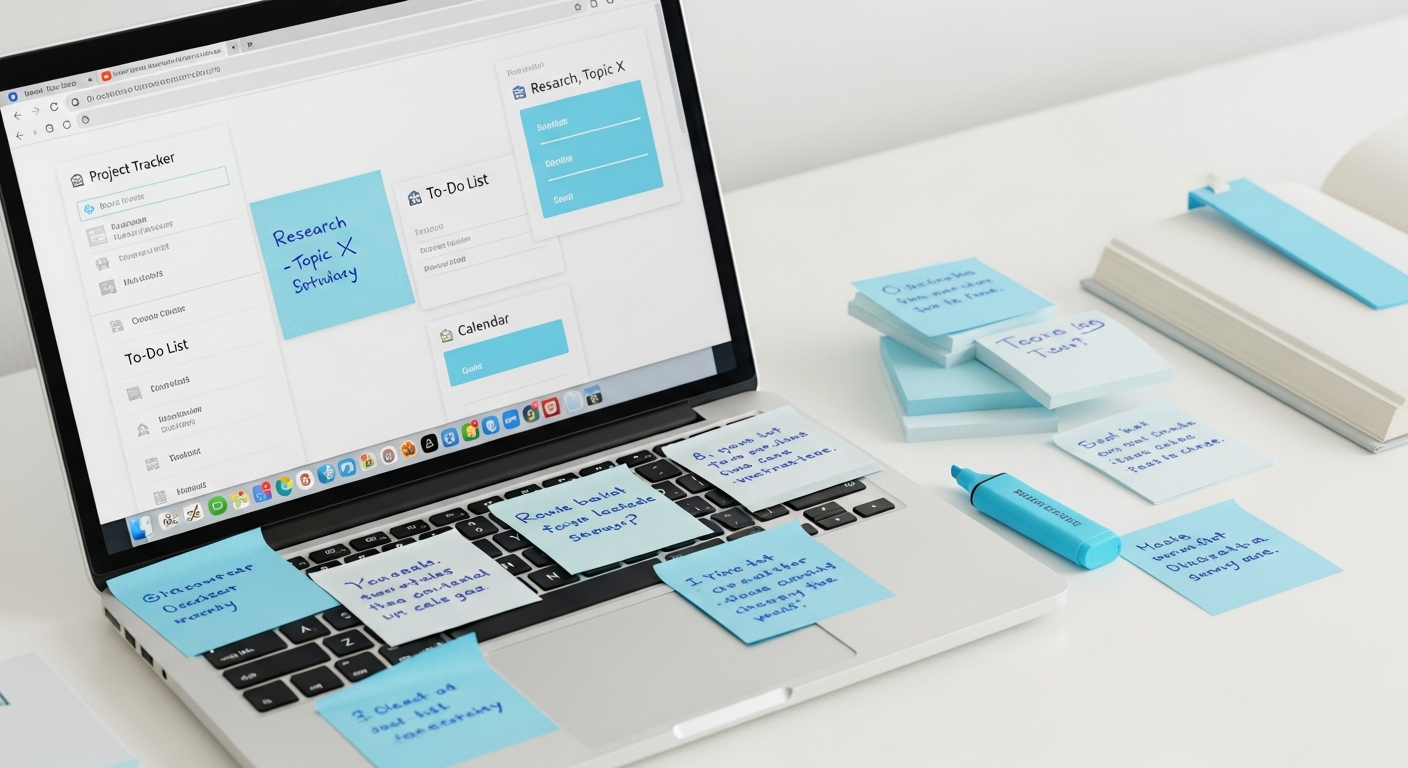
Digital tools offer a powerful suite of features that go beyond simple text entry, enabling a richer, more integrated note-taking and knowledge management experience. Mastering these features can significantly enhance your Note Taking During Conferences and Talks Workflow.
- Live Transcription and Audio Recording:
- Otter.ai: For virtual events or in-person sessions (with permission), Otter.ai can provide real-time transcription. You can highlight key sections, add comments, and search the entire transcript later. This is a game-changer for ensuring you don’t miss anything.
- Built-in Features: Many video conferencing platforms (Zoom, Google Meet, Microsoft Teams) offer recording and transcription services. Utilize these when available to supplement your notes.
- Voice Memos: Your smartphone’s voice recorder can capture snippets of a talk or your own immediate reflections. Link these audio files directly to your digital notes.
- Visual Capture: Screenshots, Photos, and Document Scans:
- Screenshots: During virtual presentations, take screenshots of important slides, diagrams, or charts. Most operating systems have quick shortcut keys for this (e.g., Cmd+Shift+4 on Mac, Print Screen on Windows).
- Photos: For in-person events, discreetly take photos of key slides, whiteboards, or physical handouts. Ensure good lighting and focus.
- Document Scanning: Apps like Adobe Scan or the built-in scanner in Apple Notes can quickly digitize physical handouts or even your own handwritten notes, making them searchable and integratable into your digital system.
- Integrating Visuals: Embed these images directly into your notes. Annotate them with arrows, circles, and text to highlight specific points.
- Advanced Organization with Tags, Links, and Databases:
- Tagging: Apply relevant tags to your notes for easy categorization and retrieval. Examples: #AI, #MarketingStrategy, #ProductivityTools, #Conf2024, #SpeakerName. Most digital note apps support multiple tags per note.
- Internal Linking (Bi-directional Linking): Tools like Obsidian, Notion, and Roam Research allow you to create links between notes. If Speaker A references a concept discussed by Speaker B, you can create a link. This builds a powerful web of interconnected knowledge, revealing relationships you might not have noticed otherwise.
- Notion Databases: For highly structured information, Notion’s databases are invaluable. You can create a “Conference Notes” database with properties for speaker, date, topic, key takeaways, action items, and even link to related projects or people. This allows for powerful filtering and sorting.
- Embedding Content: Beyond images, many tools let you embed YouTube videos, tweets, Google Docs, or even entire websites directly into your notes, providing rich context without leaving your note-taking environment.
- Leveraging Specific Tool Features:
- Evernote Web Clipper: If a speaker references a website or article, use Evernote’s web clipper to save the content directly into your notes for later reference.
- OneNote’s “Send to OneNote” Feature: Easily send documents, web pages, or emails directly to a specific notebook section. Its freeform canvas is also excellent for combining typed notes, handwritten input (with a stylus), and embedded media.
- Obsidian’s Graph View: Visualize the connections between your notes. This can be incredibly insightful for seeing how different conference talks relate to each other and to your existing knowledge base.
By actively using these digital features, you transform your notes from static text into a dynamic, interconnected, and highly searchable knowledge asset. This proactive approach to digital note-taking ensures that the information you capture is not only stored but also readily accessible and actionable.
The Post-Conference Workflow: Transforming Notes into Knowledge
Capturing notes is only half the battle. The real value is unlocked in the post-conference phase, where you transform raw information into actionable knowledge. This critical step prevents your notes from becoming digital dust and integrates them meaningfully into your professional life.
- Review and Refine within 24 Hours:
- The Forgetting Curve: Research shows that we forget a significant portion of new information within 24-48 hours. Reviewing your notes soon after the event dramatically improves retention.
- Clarify and Expand: While the talk is still fresh in your mind, go through your notes. Expand on abbreviations, clarify cryptic phrases, add missing details, and fill in any gaps. Rephrase points in your own words to deepen understanding.
- Add Reflections: What were your immediate thoughts, reactions, or connections to existing knowledge? Jot these down. This personal context is invaluable.
- Synthesize and Summarize:
- Extract Key Takeaways: Identify the 3-5 most important points or actionable insights from each session. Write these at the top of your note or in a dedicated summary section.
- Create an Executive Summary: If you’ve attended multiple sessions on a similar theme, create an overarching summary that synthesizes the main arguments, common threads, and differing perspectives.
- Condense: Turn lengthy notes into concise summaries. This forces you to distill the essence of the information.
- Integrate into Your Personal Knowledge Management (PKM) System:
- File and Tag Appropriately: Move your refined notes into their designated folders or databases within your PKM system (e.g., Notion, Obsidian, Evernote). Ensure they are correctly tagged with relevant keywords (e.g., #AI, #Leadership, #FutureOfWork, #Conf2024) to make them easily discoverable later.
- Link to Related Notes: Create bi-directional links between new notes and existing ones in your PKM. Did a speaker mention a concept you’ve already researched? Link your new note to your existing note on that topic. This strengthens your knowledge graph and helps you see connections.
- Update Project Notes: If a talk provided insights relevant to an ongoing project, integrate those insights directly into your project documentation.
- Identify Action Items and Follow-ups:
- Transfer to Your Task Manager: Move any identified action items (e.g., “Research X tool,” “Email Speaker Y,” “Implement Z strategy”) from your notes into your preferred task management system (e.g., Todoist, Asana, Microsoft To Do). Assign deadlines and necessary context.
- Schedule Follow-ups: If you met new contacts, schedule time to send follow-up emails or connect on LinkedIn. Reference specific points from the talk to personalize your outreach.
- Share Relevant Insights:
- Team Briefings: If you attended on behalf of your team, prepare a concise summary of key insights and action items to share.
- Internal Knowledge Base: Contribute relevant findings to your company’s internal wiki or knowledge base.
- Social Media/Blog: Consider writing a short blog post or a series of social media updates about what you learned, positioning yourself as a thought leader.
This post-conference workflow is where notes truly transform into valuable assets. It’s an investment of time that pays dividends in enhanced knowledge retention, actionable insights, and a continuously growing personal and professional knowledge base.
Advanced Strategies for Long-Term Knowledge Retention and Application
Beyond initial review and integration, there are advanced strategies you can employ to ensure the insights gained from conferences and talks remain vibrant and actionable over the long term. This moves beyond mere storage to active engagement and strategic application of knowledge.
- Spaced Repetition Systems (SRS):
- Anki: Tools like Anki utilize spaced repetition algorithms to help you commit facts and concepts to long-term memory. Convert key takeaways, definitions, and important statistics from your conference notes into flashcards. Anki will prompt you to review them at increasing intervals, optimizing recall.
- Custom Flashcards: Even without a dedicated SRS, you can create physical or digital flashcards from your notes and review them periodically. Focus on the most challenging concepts or those you want to internalize deeply.
- Creating Derivative Content:
- Blog Posts/Articles: Transform a particularly insightful session into a blog post for your personal or company blog. This forces you to articulate the ideas clearly, synthesize information, and add your own perspective, solidifying your understanding.
- Presentations/Workshops: If you learned a new skill or framework, consider preparing a short presentation or workshop to share with your team. Teaching others is one of the most effective ways to truly master a subject.
- Mind Maps/Concept Maps: Re-create the core ideas of a talk in a visual mind map. This helps you see the bigger picture and the relationships between different concepts, reinforcing your learning.
- Building a Personal Knowledge Base (PKB) / Digital Garden:
- Interconnected Notes: Tools like Obsidian or Roam Research excel at building a highly interconnected PKB. Instead of just filing notes, actively seek to link new information to existing concepts. For example, if a talk on AI mentions a specific algorithm, link it to your existing note on machine learning fundamentals.
- Evergreen Notes: As you process notes, identify “evergreen” concepts – fundamental ideas that will remain relevant over time. Refine these into separate, highly polished notes that serve as foundational blocks in your knowledge base.
- Regular Review Rituals: Schedule weekly or monthly sessions to browse your notes, especially the graph view in Obsidian, to rediscover connections and spark new ideas.
- Connecting New Information to Existing Knowledge:
- Synthesize Across Disciplines: Look for opportunities to connect insights from one talk or conference to another, even if they’re in different fields. Innovation often happens at the intersection of ideas.
- Challenge Assumptions: Use new information to critically re-evaluate your existing beliefs or methodologies. How does this new data confirm or contradict what you already know?
- Utilizing AI for Summarization and Idea Generation:
- AI Summarization Tools: After transcription, feed lengthy notes or transcripts into AI tools (like those based on GPT-4) to generate concise summaries. Always review and fact-check these, but they can be a great starting point.
- AI for Idea Generation: Use AI prompts to ask questions about your notes, brainstorm applications, or identify potential gaps in your understanding. For example, “Based on these notes about marketing automation, what are three immediate steps a small business could take?”
- Implementing Actionable Insights:
- Pilot Programs: If a talk inspired a new strategy or tool, propose a small-scale pilot project to test its efficacy within your own context.
- Continuous Improvement: Regularly revisit your conference notes when facing challenges or seeking new solutions. They are a rich repository of ideas waiting to be applied.
These advanced strategies transform note-taking from a passive recording activity into an active, continuous learning and innovation process. By deliberately engaging with your captured knowledge, you ensure it serves as a powerful catalyst for your professional development and contributes significantly to your overall expertise.
Troubleshooting Common Note-Taking Challenges
Even with the best intentions and tools, note-taking during conferences and talks can present several challenges. Anticipating these and having strategies to overcome them will significantly improve your workflow and the quality of your captured knowledge.
- Challenge: Information Overload / Speaker Too Fast
- Strategy 1: Prioritize and Filter: Don’t try to get everything. Focus on main ideas, keywords, and action items. If you miss a detail, don’t dwell; move on to the next key point.
- Strategy 2: Use Shorthand and Symbols: Develop an efficient personal shorthand system.
- Strategy 3: Leverage Recordings/Transcriptions: If available, rely on recordings (Otter.ai, built-in conference tools) as your primary capture and use your notes for highlighting, summarizing, and adding personal reflections. You can always go back to the transcript for details.
- Strategy 4: Focus on Questions: If you’re struggling to keep up, shift your focus to writing down questions that arise. This indicates active listening and can be addressed during Q&A or post-event research.
- Challenge: Distractions (Digital and Environmental)
- Strategy 1: Minimize Digital Clutter: Close all unnecessary tabs and applications. Put your phone on “Do Not Disturb.”
- Strategy 2: Choose Your Seat Wisely: If in person, sit away from high-traffic areas or friends who might chat. If virtual, find a quiet space and inform family/colleagues you’re busy.
- Strategy 3: Active Engagement: Keep your mind active by constantly asking “Why is this important?” or “How does this apply to me?” This reduces mental wandering.
- Challenge: Missing Key Points / Forgetting Context
- Strategy 1: Pre-Conference Research: As discussed, knowing the agenda and speaker helps you anticipate key themes.
- Strategy 2: Capture Metadata: Always include speaker name, session title, and date. This context is vital for recall.
- Strategy 3: Immediate Review: Reviewing and refining your notes within 24 hours while the memory is fresh helps fill in gaps and solidify context.
- Strategy 4: Collaborate: If attending with colleagues, compare notes afterward. You might have captured different key points.
- Challenge: Disorganized Notes / Difficulty Finding Information Later
- Strategy 1: Consistent Templates: Use a consistent template for every session.
- Strategy 2: Robust Tagging and Linking: Utilize tags, folders, and bi-directional links in your digital tools. Be consistent with your tagging schema.
- Strategy 3: Dedicated PKM System: Integrate notes into a structured personal knowledge management system (Notion, Obsidian) rather than just leaving them in disparate files.
- Strategy 4: Summarize Clearly: Ensure each note has a clear title and a concise summary of its main points.
- Challenge: Technical Glitches (Dead Battery, Wi-Fi Issues)
- Strategy 1: Always Have a Backup: If using a laptop, bring a power bank or ensure you’re near an outlet. Have a physical notebook and pen as a fallback.
- Strategy 2: Offline Access: Ensure your digital note-taking app allows for offline access and syncing once connectivity is restored.
- Strategy 3: Cloud Sync: Configure your app to sync notes frequently to the cloud to prevent data loss.
- Challenge: Notes Are Just Records, Not Actionable Knowledge
- Strategy 1: Focus on Action Items: Actively listen for “what to do” or “how to apply.” Dedicate a section in your notes for these.
- Strategy 2: Post-Processing Workflow: The “Transforming Notes into Knowledge” section is crucial here. Schedule time to review, synthesize, and integrate notes.
- Strategy 3: Connect to Projects/Goals: Explicitly link insights from talks to your current projects or long-term professional goals.
By being aware of these common hurdles and proactively implementing these troubleshooting strategies, you can ensure your Note Taking During Conferences and Talks Workflow remains robust and effective, maximizing your learning and knowledge acquisition.
Comparison of Popular Digital Note-Taking Tools
To help you choose the right digital tool for your conference and talk note-taking, here’s a comparison of some leading options, highlighting their strengths and ideal use cases:
| Tool |
|---|
Reviewed by Marcus Chen, Lead Tech Reviewer — Last reviewed: June 09, 2026


