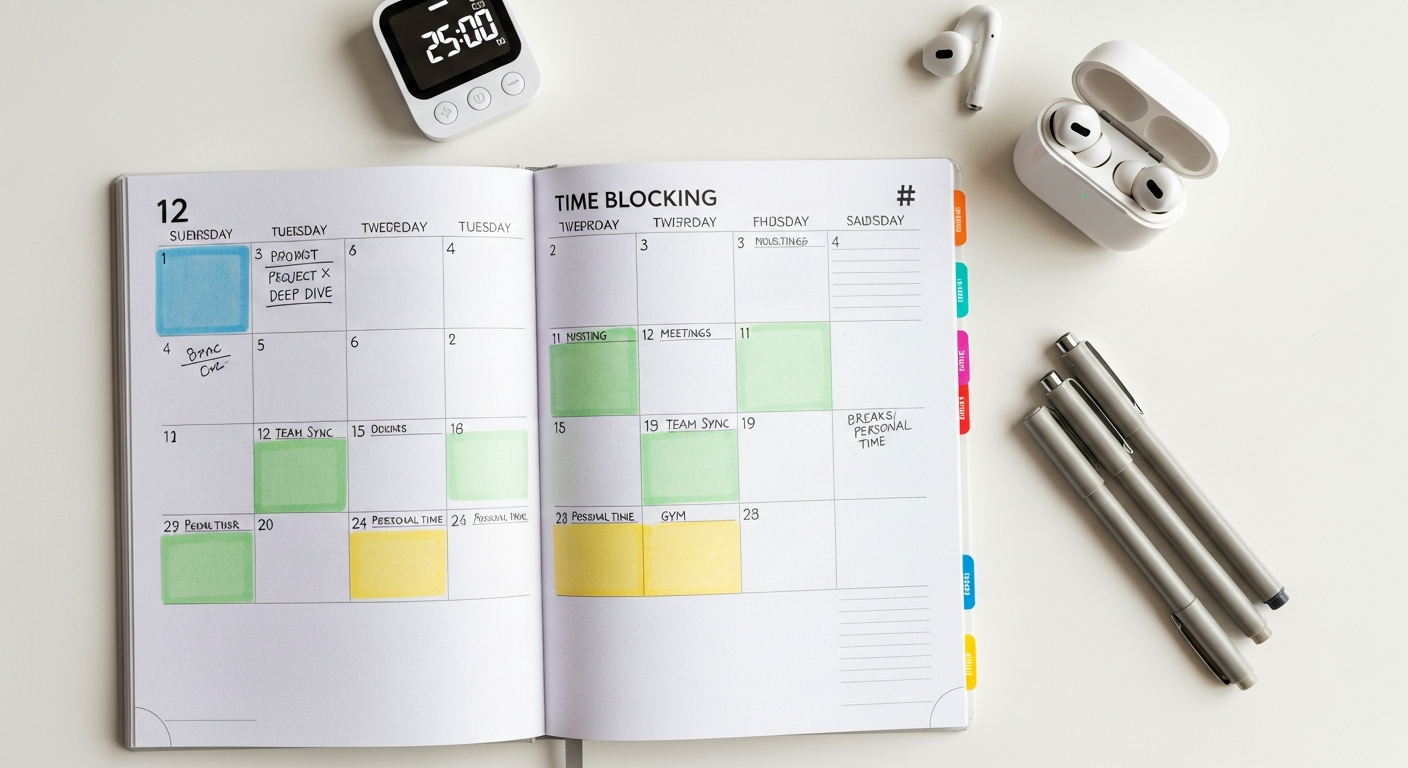

Master Your Clock: The Definitive Guide to Time Blocking for 2026 and Beyond
Forget the vague promises of “getting things done eventually.” Time blocking is about intentionality, precision, and a proactive approach to your schedule. It’s a powerful system that, when coupled with the right digital tools and a smart, iterative mindset, can be your secret weapon against overwhelm and your express lane to deep work. This comprehensive guide will not only demystify time blocking but equip you with the knowledge, tools, and actionable strategies to implement it effectively in your professional and personal life, ensuring 2026 is your most productive year yet. Get ready to hack your schedule, optimize your output, and reclaim your cognitive bandwidth.
What is Time Blocking and Why It’s Your 2026 Productivity Power-Up
At its core, time blocking is deceptively simple: it’s the practice of scheduling specific tasks or activities into specific blocks of time on your calendar. Instead of a nebulous list of things you hope to do, you designate precise periods for them, treating these self-assigned appointments with the same respect you’d give a client meeting. Think of your calendar not just as a record of meetings, but as a canvas for your entire day – a blueprint for how you intend to spend every hour.
This contrasts sharply with traditional to-do lists, which are excellent for capturing tasks but notoriously poor at dictating when those tasks will actually get done. A to-do list tells you the “what”; time blocking adds the crucial “when” and “how long.”
The Irrefutable Benefits: Why Time Blocking Works
- Reduces Context Switching: By dedicating a block to a single task or closely related tasks, you minimize the mental overhead of jumping between different types of work. This is a huge win in 2026, where the average knowledge worker juggles multiple projects, communication channels, and roles daily.
- Fights Parkinson’s Law: This law states that “work expands so as to fill the time available for its completion.” Time blocking forces you to estimate task duration and commit to it, preventing tasks from endlessly dragging on. If you block 90 minutes for a report, you’ll likely finish it in 90 minutes.
- Creates Boundaries for Deep Work: In an era dominated by the “attention economy,” protecting time for cognitively demanding tasks (what Cal Newport calls “Deep Work”) is paramount. Time blocks act as digital “Do Not Disturb” signs, signaling to yourself and others that you are unavailable for shallow work during these periods.
- Promotes Realistic Planning: When you try to fit all your tasks into finite calendar blocks, you quickly realize the limitations of your time. This forces you to prioritize, delegate, or defer, leading to more realistic and achievable daily plans.
- Reduces Decision Fatigue: With your day pre-planned, you spend less mental energy deciding what to do next. You simply execute the task assigned to the current block, freeing up cognitive resources for the actual work.
- Boosts Accountability and Awareness: A time-blocked calendar provides a clear visual record of how you intend to spend your day. At the end of the day, you can easily review what you accomplished versus what you planned, offering invaluable insights for future planning.
Time Blocking in the Age of Digital Overwhelm (2026 Perspective)
In 2026, the complexity of work has only intensified. Hybrid work models are the norm, blurring the lines between home and office. Collaboration tools like Slack, Teams, and virtual whiteboards are indispensable but also constant sources of interruption. The sheer volume of digital information and communication can feel like trying to drink from a firehose. Time blocking isn’t just a productivity hack; it’s a critical survival strategy. It provides structure, predictability, and a crucial mental firewall against the relentless onslaught of digital demands, allowing you to reclaim focus and ensure your most important work gets done amidst the noise.
Your Pre-Flight Checklist: Setting Up for Time Blocking Success
Step 1: The Grand Audit – Where Does Your Time Go?
- Manual Tracking: A simple notebook or spreadsheet can work.
- Digital Tools: Apps like RescueTime (for automated digital activity tracking) or Toggl Track (for manual time logging) can provide invaluable data on your actual time usage versus your perceived usage. You might be surprised by how much time disappears into “shallow work” or unexpected distractions.
Step 2: Define Your Priorities & Goals
What are you trying to achieve? Your time blocks should directly support your highest priorities.
- Big Picture Goals: Are you working towards quarterly OKRs (Objectives and Key Results), a major project launch, or personal development milestones?
- Task Prioritization Frameworks: Use methods like the Eisenhower Matrix (Urgent/Important) or the MoSCoW method (Must, Should, Could, Won’t) to identify your critical tasks.
- Link to Objectives: Ensure each major task you schedule directly contributes to a larger goal. This provides motivation and clarity.
Step 3: Inventory Your Tasks
Perform a thorough brain dump of everything you need to do – professional and personal.
- Categorize: Group similar tasks together (e.g., “Email Processing,” “Client Calls,” “Deep Coding,” “Workout”).
- Break Down Large Tasks: A daunting task like “Develop Q3 Marketing Strategy” needs to be broken into smaller, actionable sub-tasks (“Research competitor campaigns,” “Outline strategy document,” “Draft content pillars”).
- Estimate Time: Assign a realistic time estimate to each task. Be honest. If a task usually takes an hour, don’t schedule 30 minutes. This is where your time audit from Step 1 becomes invaluable.
Step 4: Understand Your Energy Levels (Chronotype)
Are you a morning lark or a night owl? When are you most alert, focused, and creative?
- Schedule Accordingly: Reserve your peak energy hours for your most demanding, “deep work” tasks. Use your lower energy periods for administrative tasks, email processing, or less cognitively intensive activities. Trying to force deep work during a slump is often counterproductive.
Step 5: Identify Fixed Appointments & Commitments
Before you can schedule flexible blocks, you need to account for your non-negotiables.
- Calendar Anchors: Meetings, recurring appointments, family commitments, gym sessions, commutes – these are the fixed points around which you’ll build your flexible blocks. Add these to your calendar first.
The Core Mechanics: Crafting Your Bulletproof Time Blocked Schedule
With your preparation complete, it’s time to translate your insights into a tangible, actionable daily and weekly schedule. This is where the magic happens – turning intentions into concrete plans.
Step 1: Block Out Fixed Commitments
As identified in your pre-flight checklist, start by adding all your non-negotiable meetings, appointments, and recurring commitments to your calendar. These are your immovable anchors.
Step 2: Allocate Deep Work Blocks
These are your sacred periods for high-value, cognitively demanding tasks.
- Optimal Length: Aim for 90-120 minute blocks. Research suggests this duration is ideal for achieving a state of flow without excessive fatigue.
- Prime Time: Schedule these during your peak energy hours (see Step 4 of the checklist).
- Protection: During these blocks, silence notifications, close irrelevant tabs, and communicate your unavailability to colleagues.
Step 3: Schedule Shallow Work & Administrative Tasks
These are the necessary but less demanding tasks – email, responding to messages, routine data entry, organizing files.
- Batching: Group similar tasks together. Instead of checking email every 15 minutes, create 2-3 dedicated “Communication Blocks” throughout the day.
- Buffer Zones: These can often be scheduled around meetings or during lower energy periods.
Step 4: Incorporate Buffer Time – The Unsung Hero
This is arguably one of the most crucial, yet often overlooked, elements of effective time blocking.
- Between Major Blocks: Add 15-30 minute buffers between demanding tasks or meetings. This allows for unexpected overruns, a quick mental reset, a bio break, or a chance to grab a coffee.
- Emergent Tasks: These buffers can also serve as flexible slots for unexpected urgent requests or minor emergent tasks that can’t wait.
- Prevents Schedule Collapse: Without buffers, one slightly delayed meeting can derail your entire meticulously planned day.
Step 5: Plan for Breaks & Personal Time – Non-Negotiable
To avoid burnout and maintain long-term productivity, scheduling downtime is as important as scheduling work.
- Lunch Breaks: A full hour, away from your desk if possible.
- Micro-Breaks: Short 5-10 minute breaks every hour or so (e.g., using the Pomodoro Technique).
- Personal Well-being: Schedule workouts, family time, hobbies, and even quiet reflection. These are not luxuries; they are vital for mental and physical health and contribute directly to sustainable productivity.
Step 6: Review & Adjust Daily/Weekly
Your time-blocked schedule isn’t set in stone; it’s a living document.
- Daily Check-in: At the start of each day, quickly review your blocks. Are they still realistic? Do any urgent items need to be shifted?
- Weekly Review: At the end of the week, dedicate 30-60 minutes to review your past week and plan the next. What worked? What didn’t? Where did you deviate? How can you improve? This iterative process is key to long-term success.
Common Types of Time Blocks:
- Deep Work Blocks: Focused, uninterrupted time for high-value tasks.
- Shallow Work/Admin Blocks: For email, routine tasks, organizational work.
- Communication Blocks: Dedicated time for Slack/Teams messages, calls, or checking social media (if work-related).
- Meeting Blocks: Pre-scheduled meetings with colleagues or clients.
- Buffer Blocks: Flexible time for transitions, unexpected issues, or quick catches.
- Learning/Development Blocks: For skill acquisition, reading, or professional growth.
- Personal/Well-being Blocks: Exercise, mindfulness, lunch, family time.
Your Digital Arsenal: Top Tools for Time Blocking in 2026
While you could time block with a pen and paper, the true power of this method in 2026 comes from leveraging digital tools that offer flexibility, integration, and smart automation. Here’s a breakdown of the best options:
1. Calendar Apps (The Foundation)
These are your primary canvas for time blocking. Use color-coding to visually distinguish different types of blocks (e.g., green for deep work, blue for meetings, orange for personal time).
-
Google Calendar: The ubiquitous choice. Free, highly customizable, excellent integration with other Google services (Gmail, Meet), and a vast ecosystem of third-party apps. Its drag-and-drop interface makes rescheduling a breeze.
-
Outlook Calendar: The enterprise standard, especially for those in corporate environments. Robust features, strong integration with Microsoft 365, and generally more powerful for managing large organizations’ meeting cultures.
-
Apple Calendar: Seamless for users deeply embedded in the Apple ecosystem. Clean interface, easy syncing across devices, but less flexible for cross-platform integrations compared to Google.
2. Task Managers with Calendar Integration
These tools excel at managing your to-do list and often offer calendar views or direct integration, allowing you to drag tasks directly onto your calendar.
-
Todoist: A minimalist yet powerful task manager. Its natural language input is fantastic (“review report tomorrow 2pm”). Integrates with Google Calendar, allowing tasks to appear as scheduled events.
-
TickTick: Similar to Todoist but often praised for its built-in Pomodoro timer, habit tracker, and robust calendar view. It’s an all-in-one personal productivity hub.
-
Notion: While not a dedicated task manager, Notion’s database capabilities mean you can create highly customized task lists that link directly to calendar views. Its flexibility is unmatched for those who like to build their own systems.
-
ClickUp / Asana: Primarily team project management tools, but their personal task management features are strong, often including calendar views where you can schedule your tasks.
3. Dedicated Time Blocking & Scheduling Apps (The Advanced Tier)
These tools are specifically designed to make time blocking and scheduling more intuitive, often incorporating smart features.
-
Sunsama: A daily planning tool that combines your calendar, tasks, and meetings into one beautiful, focused interface. It encourages a structured daily shutdown and end-of-day review. Paid, but highly effective for structured individuals.
-
Reclaim.ai: This is where AI meets time blocking, very relevant for 2026 trends. Reclaim.ai automatically schedules your tasks, habits, and even buffer time around your existing meetings in Google Calendar. It intelligently adapts when your schedule changes, optimizing your time blocks dynamically. A serious game-changer for those with fluid schedules.
-
Akiflow: Positioned as your “centralized hub,” Akiflow pulls in tasks from all your apps (Slack, email, task managers) and lets you drag and drop them directly onto your calendar for blocking. Excellent for consolidating disparate digital inputs.
4. Pomodoro Timers
While not time blocking tools themselves, they are invaluable companions for staying focused within your blocks.
- Focus@Will: Combines a timer with neuroscience-based music to enhance focus.
- Marinara Timer: A simple, free web-based Pomodoro timer.
- Many dedicated apps are available on app stores.
Recommendation Matrix for 2026:
- Beginner / Free: Start with Google Calendar for blocking and Todoist for task management. Integrate them.
- Intermediate / Integrated: If you’re deeper into ecosystems, Outlook Calendar with TickTick, or a custom Notion setup.
- Advanced / Automated (2026 Power-Ups): Invest in Sunsama for a structured daily flow or Reclaim.ai for AI-powered, dynamic scheduling, especially if your calendar is meeting-heavy.
Beyond the Basics: Advanced Time Blocking Strategies for Peak Performance
Once you’ve mastered the fundamentals, these strategies will help you fine-tune your time blocking practice for even greater efficiency and impact.
1. Batching Similar Tasks
This is a cornerstone of efficiency. Instead of handling emails sporadically throughout the day, dedicate specific blocks (e.g., 9:00 AM and 3:00 PM) to process all communications. Do the same for calls, administrative tasks, or content creation. Batching significantly reduces the cognitive cost of context switching.
2. Theme Days (or Half-Days)
For roles with diverse responsibilities, consider dedicating entire days or half-days to specific types of work. For example:
- “Marketing Monday”: All marketing-related tasks.
- “Development Tuesday”: Focus solely on coding or product development.
- “Admin & Planning Friday”: Catch-up, planning for the next week, administrative duties.
This creates deep immersion and helps maintain focus on one area for an extended period.
3. Time Boxing vs. Time Blocking (A Subtle Nuance)
While often used interchangeably, time boxing is a specific technique within a time block. A time block allocates a period for a task (e.g., “9:00 AM – 11:00 AM: Work on Project X”). Time boxing adds a strict, immovable deadline within that block (e.g., “9:00 AM – 10:30 AM: Draft initial Project X proposal, then STOP”). It’s a powerful tool for preventing perfectionism and adhering to Parkinson’s Law.
4. Flexible Blocking (Dynamic Blocking)
Not every minute needs to be rigidly scheduled, especially for roles with frequent emergent demands.
- “Open Blocks”: Schedule specific periods as “Open Work” or “Flex Time.” This is where you can tackle emergent urgent tasks, unexpected interruptions, or simply catch up on anything that ran over.
- “Contingency Blocks”: Similar to buffer time, but larger blocks specifically for when the unexpected inevitably happens. This prevents your entire schedule from collapsing.
This approach acknowledges the unpredictable nature of work, especially in collaborative or client-facing roles, and builds resilience into your schedule.
5. The Weekly Review Ritual
Inspired by David Allen’s Getting Things Done (GTD) methodology, a weekly review is non-negotiable for sustained time blocking success.
- Allocate Time: Set aside 60-90 minutes at the end of your week (e.g., Friday afternoon) or start of the next (Monday morning).
- Reflect: Review your past week. What went well? What didn’t? Where did you deviate from your blocks? Why?
- Plan: Empty your inboxes, review your goals, and plan out your time blocks for the upcoming week based on your reflections. This iterative feedback loop is how you continually refine and improve your system.
6. Protecting Your Blocks: Communication is Key
Your time blocks are only effective if they are respected – by you and by others.
- Communicate Boundaries: Inform colleagues about your “deep work” blocks or “communication hours.” Use internal communication tools to signal when you’re focused (e.g., “Do Not Disturb” status on Slack).
- Technology Use: Close unnecessary tabs and applications. Use website blockers if necessary. Put your phone on silent or in another room during deep work.
Troubleshooting & Iteration: When Your Blocks Go Rogue
No productivity system is perfect, and time blocking is no exception. You’ll encounter challenges, but the key is to view them as opportunities for iteration and refinement, not failure.
Problem 1: Constant Interruptions Derail My Blocks
- Solution: This is a common hurdle, especially in open-plan offices or highly collaborative remote teams.
- Communicate Boundaries: Explicitly inform colleagues about your deep work blocks. “I’ll be offline for focused work until 11 AM, but will respond to messages in my communication block afterwards.”
- Use “Do Not Disturb”: Leverage your digital tools’ DND features (Slack, Teams, phone).
- Physical/Digital Barriers: Wear noise-canceling headphones. Close office doors (if applicable). Use website blockers.
- Batch Communication: Schedule dedicated blocks for responding to messages, rather than letting them trickle in and break your focus.
Problem 2: I Consistently Underestimate or Overestimate Task Time
- Solution: Your time estimates will improve with practice.
- Track Actuals: Use a time tracker (Toggl Track, Clockify