
Mastering Phishing and Social Engineering Awareness: Essential Strategies for Digital Productivity
In today’s hyper-connected world, where digital tools are not merely conveniences but the very backbone of our daily lives and professional output, understanding and actively combating pervasive cyber threats is paramount. Phishing and Social Engineering Awareness stands as a critical component of secure digital living and working. These deceptive tactics, designed to manipulate individuals into revealing sensitive information or performing actions against their best interest, directly compromise personal data, financial assets, and crucially, an individual’s uninterrupted productivity. This article will equip readers with the foundational knowledge and actionable strategies necessary to become a resilient defense against these ever-evolving cyber threats, ensuring the integrity of your digital productivity and modern lifestyle.
To effectively safeguard your digital productivity and modern lifestyle, a deep understanding of Phishing and Social Engineering Awareness is indispensable. As cyber threats become increasingly sophisticated, individuals and organizations alike must develop robust defenses. This comprehensive guide delves into identifying common phishing attacks and social engineering tactics, outlines proactive steps for building a strong cybersecurity defense, and provides crucial advice on what to do if you suspect or fall victim to an attack. By cultivating a secure digital mindset, you can protect your online identity, financial well-being, and ensure uninterrupted digital operations.
What are Phishing and Social Engineering?
To cultivate robust Phishing and Social Engineering Awareness for your digital productivity and modern lifestyle, a clear understanding of these distinct yet often intertwined cyber threats is essential. This section will define and differentiate phishing and social engineering, laying the groundwork for effective identification and prevention.
What is Phishing: Understanding Deceptive Digital Lures?
Phishing is a cybercrime that leverages deceptive communications, typically appearing to come from a reputable source, to trick individuals. The primary goal of phishing is to steal sensitive information like login credentials, credit card numbers, or personal identification details. These attacks often induce a sense of urgency, fear, or curiosity to manipulate the recipient into clicking a malicious link, opening a dangerous attachment, or directly inputting their data into a fake website. The techniques employed are increasingly sophisticated, making awareness a vital first line of defense.
Common characteristics of phishing include:
- Email-based attacks: The most prevalent form, using spoofed sender addresses to impersonate banks, government agencies, popular services, or even internal IT departments.
- Malicious links: Embedded URLs that direct users to fraudulent websites designed to mimic legitimate ones, where victims are prompted to enter credentials.
- Malicious attachments: Files (e.g., PDFs, Word documents) containing malware that activates upon opening.
- Impersonation: Scammers pretend to be someone trustworthy to gain access or information.
- Urgency: Messages often demand immediate action, threatening negative consequences if not followed.
- Deceptive language: Poor grammar, unusual phrasing, or generic greetings can be red flags, though advanced attacks are often flawless.
- Credential theft: The ultimate goal for many phishing campaigns, leading to unauthorized account access.
How Does Social Engineering Work: The Art of Human Manipulation?
While phishing is a *method* of delivery, social engineering is the broader *psychological manipulation* that underpins many cyberattacks, including phishing. It exploits human psychology, vulnerabilities, and trust to coerce individuals into divulging confidential information or performing actions that benefit the attacker. Social engineering attacks are less about technical exploits and more about exploiting human nature. Developing strong Phishing and Social Engineering Awareness means understanding the psychological triggers attackers exploit.
Key attributes of social engineering tactics include:
- Psychological manipulation: Playing on emotions like fear, greed, curiosity, helpfulness, or urgency.
- Exploiting trust: Attackers build rapport or impersonate figures of authority to gain confidence.
- Pretexting: Creating a fabricated scenario (pretext) to engage a target and obtain desired information. For example, pretending to be a surveyor for a legitimate company.
- Baiting: Luring victims with the promise of a desirable item (e.g., free movie download, infected USB drive left in a public place) to compromise their system or data.
- Quid Pro Quo: Offering a service or gift in exchange for information or access. An example might be an attacker posing as IT support, offering “help” with an issue if the user provides their password.
- Authority: Impersonating someone in a position of power (e.g., CEO, police officer) to demand compliance.
- Intimidation: Using threats or aggressive language to pressure victims into immediate action.
The distinction is subtle but important: all phishing is a form of social engineering, but not all social engineering is phishing. Social engineering is the broader category of human manipulation, while phishing is a specific digital delivery mechanism for such manipulation.
| Feature | Phishing | Social Engineering |
|---|---|---|
| Primary Method | Digital communication (email, SMS, voice) | Psychological manipulation |
| Key Tactic | Deceptive digital lures, impersonation | Exploiting human trust, emotions, vulnerabilities |
| Common Medium | Email, SMS (Smishing), Voice (Vishing), Websites | Any human interaction (digital, phone, in-person) |
| Psychological Lever | Urgency, fear, curiosity, authority | Trust, helpfulness, fear, greed, authority, intimacy |
| Goal | Credential theft, malware installation, financial fraud | Information gathering, unauthorized access, illicit actions |
| Example Scenario | Fake bank email asking for login details | Attacker pretending to be IT support to get passwords over the phone |
Why is Phishing and Social Engineering Awareness Critical for Your Digital Productivity and Lifestyle?
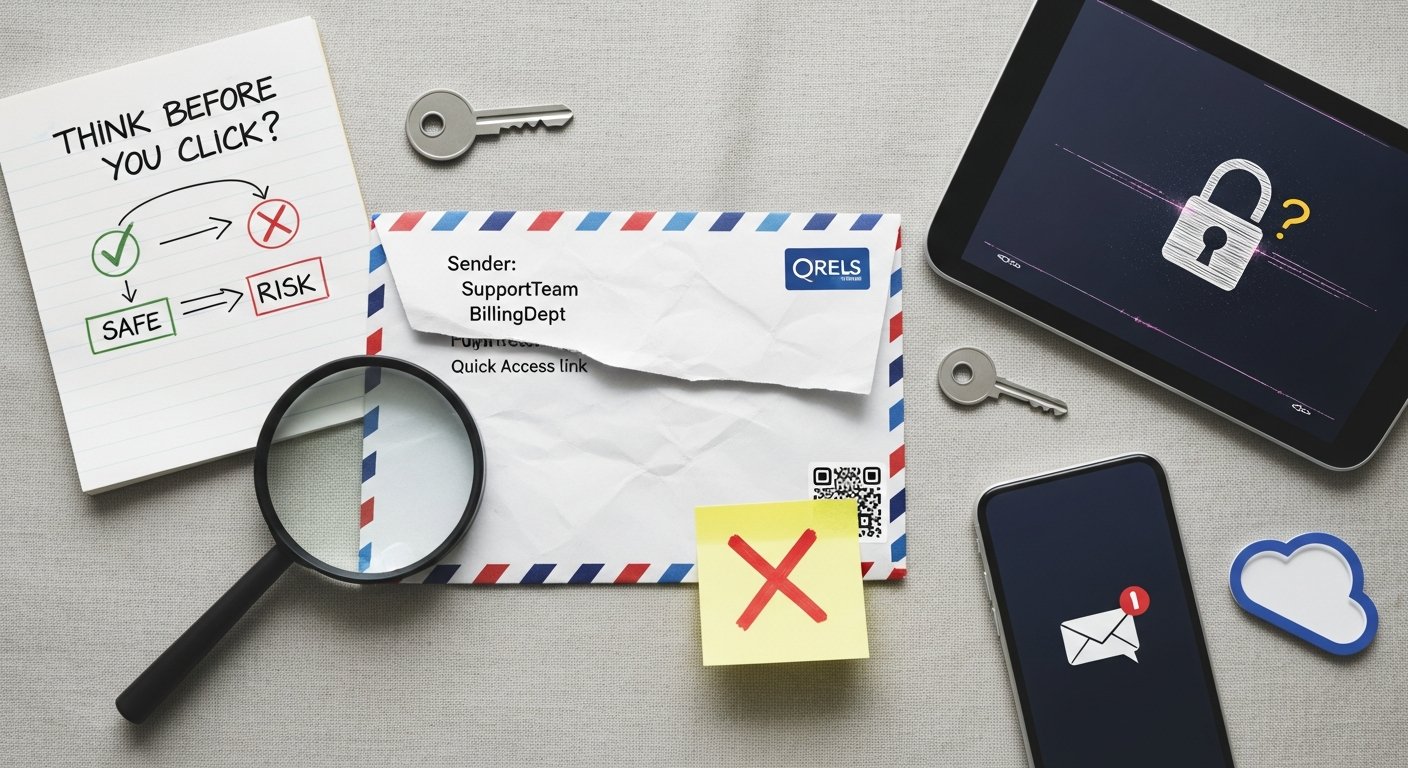
Cultivating robust Phishing and Social Engineering Awareness is not merely a technical safeguard; it’s a fundamental necessity for protecting the very fabric of your digital productivity and modern lifestyle. The consequences of falling victim to these attacks extend far beyond simple inconvenience, impacting financial stability, personal privacy, and professional continuity. In a world where every aspect of life is increasingly digitized, an attack on your cybersecurity is an attack on your ability to live and work effectively.
What are the Costs of Compromise: Data Breaches and Financial Loss?
The tangible costs of phishing and social engineering attacks are staggering. According to the 2023 IBM Cost of a Data Breach Report, human error, often spurred by social engineering tactics, remains a leading cause of data breaches. For individuals, this can manifest as direct financial loss from fraudulent transactions, the draining of bank accounts, or unauthorized purchases. Identity theft is a common outcome, where personal data is used to open new credit lines, file false tax returns, or commit other crimes in your name. This can take years and significant personal effort to resolve, impacting credit scores and overall financial well-being.
For professionals and businesses, the stakes are even higher. A successful attack can lead to:
- Business Email Compromise (BEC): A sophisticated scam targeting businesses working with foreign suppliers and involved in wire transfer payments. Attackers impersonate a company executive or a trusted vendor, attempting to trick employees into transferring money or sensitive data.
- Data Breaches: Exposure of sensitive corporate data, customer information, and intellectual property, leading to severe financial penalties, regulatory fines (e.g., GDPR, CCPA), and legal liabilities.
- Operational Disruption: Downtime caused by ransomware or malware introduced through phishing, paralyzing operations and leading to significant revenue loss.
- Reputational Damage: A breach of trust can alienate customers, partners, and employees, severely impacting brand image and market standing.
- Legal and Compliance Issues: Failure to protect data can result in costly lawsuits and non-compliance penalties.
Statistics from 2026 continue to highlight the escalating threat. The 2023 Verizon Data Breach Investigations Report revealed that phishing remains the most common initial attack vector, accounting for over 80% of reported incidents. The average cost of a data breach is projected to reach unprecedented levels, underscoring the urgent need for enhanced Phishing and Social Engineering Awareness.
How to Protect Your Digital Identity and Reputation?
Beyond the immediate financial and data impacts, falling victim to these cyber threats can severely compromise your digital identity and reputation. Your digital identity encompasses all the unique, verifiable attributes and actions that exist online, from professional profiles to personal social media accounts. When this identity is compromised, attackers can:
- Impersonate you: Sending malicious emails or messages to your contacts, potentially spreading malware or further phishing scams in your name.
- Damage your professional standing: Posting inappropriate content or making fraudulent claims that can erode professional trust and opportunities.
- Exploit personal relationships: Using information gathered from your compromised accounts to target your friends, family, or colleagues in subsequent social engineering attacks.
- Undermine personal privacy: Accessing private communications, photos, or documents, leading to emotional distress and potential blackmail.
Maintaining a secure digital identity is crucial for sustaining a productive and harmonious modern lifestyle. It ensures that your online presence accurately reflects who you are, protects your personal narrative, and safeguards your relationships against exploitation. Therefore, understanding and actively preventing these attacks is not just about avoiding loss; it’s about preserving your integrity and peace of mind in the digital realm.

How to Identify Common Phishing Attacks and Social Engineering Tactics?
Developing strong Phishing and Social Engineering Awareness hinges on the ability to identify the tell-tale signs of an attack. This section provides actionable insights into recognizing the red flags in suspicious communications and understanding the common ploys used by attackers, empowering you to protect your digital productivity and modern lifestyle.
What are the Red Flags in Phishing Emails, Messages, and Calls?
Vigilance is your strongest asset against these deceptive schemes. Always pause and critically evaluate any unexpected communication that demands action or requests sensitive information. Look for these common red flags:
- Suspicious Sender Address: Check the sender’s full email address, not just the display name. A legitimate company’s email won’t come from a generic domain like “@gmail.com” or a misspelling like “amaz0n.com.”
- Generic Greetings: Legitimate organizations usually address you by name. If the email starts with “Dear Customer” or “Valued User,” be wary.
- Urgent or Threatening Language: Scammers often create a sense of panic or urgency (e.g., “Your account will be suspended!”, “Immediate action required to avoid charges!”) to bypass critical thinking.
- Unexpected Requests: Be suspicious of requests for personal information (passwords, social security numbers, credit card details) via email, text, or unsolicited calls. Reputable companies rarely ask for this information outside of their secure portals.
- Poor Grammar and Spelling: While not always present in sophisticated attacks, numerous grammatical errors, typos, or awkward phrasing are strong indicators of a scam.
- Mismatched URLs: Hover over any links (without clicking!) to see the actual URL. If it doesn’t match the legitimate website’s domain, it’s likely malicious. Even if it looks similar, tiny misspellings can redirect you.
- Unusual or Unexpected Attachments: Never open attachments from unknown senders or unexpected attachments from known senders without verification. They often contain malware.
- Inconsistent Branding: Look for slightly off logos, outdated branding, or unusual formatting that doesn’t match the legitimate organization’s usual communications.
- Requests for Payment in Unusual Ways: Demands for payment via gift cards, cryptocurrency, or wire transfers are almost always scams.
What are Common Social Engineering Ploys: Pretexting, Baiting, and Quid Pro Quo?
Beyond digital cues, recognizing the psychological tactics of social engineering is crucial. Attackers often weave elaborate stories or create tempting offers to manipulate you.
- Pretexting: This involves an attacker creating a believable, false scenario (a “pretext”) to trick you into divulging information or taking action.
- Example: An attacker calls, claiming to be from your bank’s fraud department, stating they’ve detected suspicious activity on your account. They then ask you to “verify” your account details, including your full social security number and online banking password, to “secure” your account.
- Baiting: This tactic entices victims with an irresistible offer, often a “free” digital good or a physical device, to trick them into compromising their system.
- Example: You receive an email promising “exclusive access to the latest streaming content” if you download an attached “special player.” Or, you find a USB drive labeled “Confidential HR Report” in the parking lot and plug it into your computer out of curiosity, unknowingly installing malware.
- Quid Pro Quo: Attackers offer something seemingly beneficial in exchange for your information or cooperation.
- Example: Someone posing as technical support calls, claiming there’s an issue with your internet service that they can “fix” if you temporarily disable your antivirus software or provide them with remote access to your computer.
By learning to identify these red flags and common psychological ploys, you significantly enhance your personal Phishing and Social Engineering Awareness, making you a more resilient target against cyber threats and protecting your crucial digital assets.
| Attack Type | Description | Key Characteristics | Target Audience | Example |
|---|---|---|---|---|
| Spear Phishing | Highly targeted phishing attempt tailored to specific individuals or organizations. | Personalized content, leverages known details about the target. | Specific individuals (executives, employees, specific customers). | Email from a “CEO” to an employee requesting a wire transfer, using internal project names. |
| Whaling | A form of spear phishing that specifically targets high-profile individuals (e.g., CEOs, CFOs, politicians). | Focus on financial gain or high-value data, often impersonating legal or financial entities. | Senior executives, influential figures. | Email to a CFO from a “legal team” about an urgent, confidential merger document requiring review. |
| Smishing | Phishing attempts delivered via SMS (text messages). | Malicious links, requests for personal info, urgency; often impersonates banks or delivery services. | Mobile phone users. | Text message saying “Your package is delayed. Update delivery preferences at [malicious link].” |
| Vishing | Phishing attempts conducted via voice calls (VoIP or traditional phone). | Impersonation of authority (tech support, bank fraud, government), urgency, psychological pressure. | Anyone with a phone, often targets older adults. | Caller claiming to be from “IRS” threatening arrest unless immediate payment via gift card is made. |
| Pharming | Redirecting legitimate website traffic to a fake website without the user’s knowledge. | Relies on DNS cache poisoning or malware on the user’s computer. No user action like clicking a link is needed. | Any internet user accessing a compromised domain. | Typing in a legitimate bank URL, but your computer redirects you to a fraudulent look-alike site. |
| Clone Phishing | Attacker duplicates a legitimate, previously delivered email, alters its links or attachments, and resends it from a spoofed address. | Highly convincing as it’s based on real communication, often comes with a “re-send” or “update” pretext. | Recipients of original legitimate emails. | You receive a “second” invoice from a vendor with a “corrected” link to a payment portal that is actually malicious. |
Proactive Steps: Building a Strong Cybersecurity Defense Against Phishing and Social Engineering
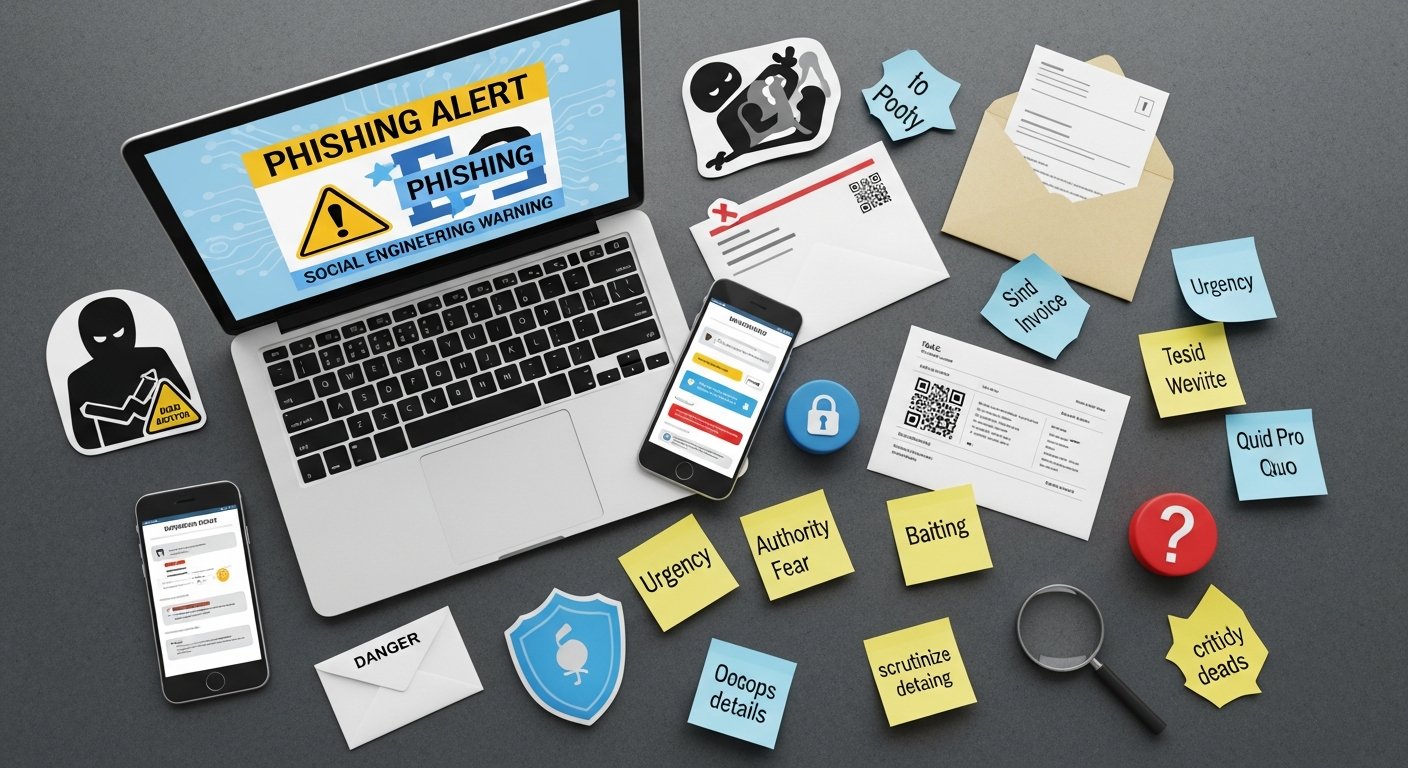
While identifying threats is crucial, true Phishing and Social Engineering Awareness extends to proactive defense strategies. By implementing robust cybersecurity practices and leveraging available technologies, you can significantly fortify your digital environment, safeguarding your productivity and modern lifestyle against the persistent threat of cyberattacks.
What are Essential Digital Hygiene Practices for Cybersecurity?
Good digital hygiene is the bedrock of cybersecurity. These practices are fundamental for every internet user:
- Use Strong, Unique Passwords: Never reuse passwords across multiple accounts. Create long, complex passwords or passphrases using a mix of uppercase and lowercase letters, numbers, and symbols. A password manager can help you manage these securely.
- Enable Multi-Factor Authentication (MFA): Whenever available, enable MFA (also known as two-factor authentication or 2FA). This adds an extra layer of security, typically requiring a code from your phone or a hardware token in addition to your password. Even if an attacker steals your password, they can’t access your account without the second factor.
- Keep All Software Updated: Regularly update your operating system, web browser, antivirus software, and all applications. Updates often include critical security patches that fix vulnerabilities attackers could exploit.
- Back Up Important Data: Regularly back up your critical files to an external hard drive or a reputable cloud service. In the event of a successful attack (e.g., ransomware), you can restore your data without paying a ransom or losing valuable information.
- Exercise Caution with Links and Attachments: Never click on suspicious links or open unexpected attachments. Always verify the sender and the context before interacting. When in doubt, navigate directly to the website by typing the URL into your browser.
- Verify Requests for Information: If you receive a call, email, or message asking for sensitive information, verify the request through an independent channel. Call the company directly using a publicly listed phone number, not one provided in the suspicious communication.
- Review Account Statements Regularly: Promptly check bank statements, credit card statements, and online account activity for any unauthorized transactions or suspicious logins.
How to Leverage Technology: MFA, Antivirus, and Password Managers?
Beyond individual practices, several technological tools are indispensable for enhancing your digital security and fortifying your Phishing and Social Engineering Awareness efforts:
- Multi-Factor Authentication (MFA): As mentioned, MFA significantly reduces the risk of account compromise, even if your password is stolen. It can take many forms, including:
- SMS Codes: A code sent to your registered phone number. (Least secure, but better than none)
- Authenticator Apps: Apps like Google Authenticator or Authy generate time-based one-time passwords (TOTP). (More secure)
- Hardware Security Keys: Physical devices (e.g., YubiKey) that plug into your computer or phone. (Most secure)
Steps to Enable Multi-Factor Authentication:
- Navigate to the security settings of your online account (e.g., email, social media, banking).
- Look for “Security,” “Password & Security,” or “Two-Factor Authentication (2FA)/Multi-Factor Authentication (MFA).”
- Choose your preferred MFA method (e.g., authenticator app, SMS, security key).
- Follow the on-screen prompts to link your device or app.
- Save any backup codes provided in a secure, offline location.
- Test your MFA setup to ensure it works correctly.
- Antivirus and Anti-Malware Software: Install and maintain reputable antivirus/anti-malware software on all your devices (computers, smartphones, tablets). These programs detect, quarantine, and remove malicious software that might slip through your awareness defenses. Ensure they are configured for automatic updates and regular scans.
- Password Managers: A password manager generates, stores, and autofills strong, unique passwords for all your online accounts. It encrypts your credentials and requires only one master password for access, simplifying strong password management while boosting security. This eliminates the need to remember dozens of complex passwords, preventing reuse and making your accounts harder to crack.
- Reputable VPNs (Virtual Private Networks): When using public Wi-Fi, a VPN encrypts your internet connection, protecting your data from eavesdropping and making it harder for attackers to intercept sensitive information, thereby contributing to your overall digital privacy.

What to Do If You Suspect or Fall Victim to a Phishing or Social Engineering Attack?
Even with the highest level of Phishing and Social Engineering Awareness, attacks can sometimes succeed. Knowing the correct steps to take immediately after an incident is critical for minimizing damage, containing the breach, and beginning the recovery process for your digital productivity and modern lifestyle.
What Immediate Actions Should You Take After an Attack?
Swift action is paramount to limit the impact of a successful attack. If you suspect you’ve clicked a malicious link, opened an infected attachment, or provided credentials, follow these steps immediately:
- Disconnect from the Network: If you suspect your computer has been compromised by malware, immediately disconnect it from the internet (unplug Ethernet, turn off Wi-Fi). This can prevent malware from spreading to other devices or exfiltrating more data.
- Change Passwords: Change the password for the compromised account immediately. If you reused that password on other accounts, change those too. Use a strong, unique password and enable MFA if not already active.
- Notify Your Bank/Financial Institutions: If financial information (credit card, bank account details) was compromised, contact your bank and credit card companies immediately to report fraudulent activity and potentially freeze accounts or cancel cards.
- Report the Incident:
- For Businesses: Report to your internal IT or cybersecurity team. Follow your organization’s incident response plan.
- For Individuals: Report phishing emails to your email provider (e.g., Gmail’s “Report Phishing” feature). Report scams to government agencies like the FTC (Federal Trade Commission) in the US, or your local cybersecurity authority.
- Law Enforcement: If you’ve suffered significant financial loss or identity theft, report it to local law enforcement.
- Scan Your System for Malware: After disconnecting, use a reputable antivirus/anti-malware program to perform a full system scan. Remove any detected threats.
- Take Screenshots/Document Evidence: If possible, safely take screenshots of the phishing email, text message, or fraudulent website. Document all communications and actions taken.
How to Recover and Ensure Long-Term Protection?
After the initial containment, focus on recovery and implementing measures for long-term protection. This ensures that a single incident doesn’t have lasting detrimental effects on your digital productivity and modern lifestyle.
- Monitor Your Accounts: Regularly review bank statements, credit reports, and all online account activity for unusual transactions or logins. Consider setting up fraud alerts with credit bureaus.
- Consider a Credit Freeze: If your identity has been compromised, consider freezing your credit with major credit bureaus (Equifax, Experian, TransUnion) to prevent new accounts from being opened in your name.
- Inform Affected Contacts: If your email or social media account was compromised, inform your contacts that they might receive suspicious messages from your account and to ignore them.
- Review and Update Security Settings: Take this opportunity to review and strengthen all your online account security settings. Enable MFA everywhere possible, update recovery emails/phone numbers, and remove any unrecognized linked apps.
- Seek Professional Help: If you’re overwhelmed or unsure about how to proceed, consider consulting with a cybersecurity professional or an identity theft recovery service.
- Learn from the Incident: Use the experience to reinforce your Phishing and Social Engineering Awareness. Understand how the attack occurred and what measures could have prevented it, strengthening your defenses against future threats.
Remember, cyber incidents are not a sign of failure but a test of resilience. By taking appropriate actions, you can mitigate harm and emerge with a stronger, more secure digital posture.
How to Cultivate a Secure Digital Mindset for Phishing and Social Engineering Awareness?
Beyond specific tools and immediate actions, the most powerful defense against phishing and social engineering attacks is a pervasive, secure digital mindset. This ongoing vigilance and commitment to continuous learning are integral to maintaining uninterrupted digital productivity and safeguarding your modern lifestyle in a perpetually evolving threat landscape. Phishing and Social Engineering Awareness isn’t a one-time lesson; it’s a way of operating in the digital world.
Cultivating this mindset involves:
- Embracing Skepticism: Approach all unsolicited communications with a healthy dose of skepticism. Assume nothing is legitimate until independently verified.
- Prioritizing Critical Thinking: Instead of reacting impulsively to urgent messages, pause and analyze. Ask yourself: “Does this make sense? Is this how a legitimate entity would communicate this? What are they asking me to do?”
- Continuous Learning: Stay informed about the latest cyber threats and attack techniques. Cybercriminals constantly refine their methods, so your knowledge must also evolve. Follow reputable cybersecurity news sources and educational blogs.
- Building a Security-First Habit: Integrate cybersecurity practices into your daily routine until they become second nature. This includes regular software updates, password management, and mindful clicking.
- Understanding Human Vulnerabilities: Recognize that attackers often exploit universal human tendencies like curiosity, helpfulness, fear, and the desire for reward. Being aware of these psychological levers can help you identify when you’re being manipulated.
- Promoting a Culture of Security: In professional environments, advocate for and participate in ongoing cybersecurity training. Share knowledge with colleagues, friends, and family to elevate collective awareness.
- Reviewing Your Digital Footprint: Periodically assess what personal information is publicly available about you online, as this data can be used by social engineers to craft highly personalized and convincing attacks.
The digital world offers unprecedented opportunities for productivity, connection, and enrichment. By fostering a secure digital mindset rooted in strong Phishing and Social Engineering Awareness, you empower yourself to navigate this landscape confidently, protect your valuable assets, and ensure your modern lifestyle remains secure and productive.
| Best Practice | Description | Impact on Digital Productivity & Lifestyle | Status |
|---|---|---|---|
| Enable MFA on All Accounts | Adds an essential second layer of security beyond just a password. | Prevents account takeovers even if passwords are stolen, ensures uninterrupted access. | |
| Use Strong, Unique Passwords via Manager | Generates and stores complex passwords for each online service. | Protects individual accounts from credential stuffing attacks, reduces cognitive load. | |
| Update Software and Operating Systems Regularly | Installs security patches to fix vulnerabilities in your devices and applications. | Closes doors to exploits that disrupt workflow and compromise data integrity. | |
| Backup Important Data Periodically | Copies critical files to an external drive or cloud storage. | Safeguards against data loss from ransomware or system failure, maintains business continuity. | |
| Verify Sender Identity Before Clicking/Opening | Confirms the legitimacy of emails, messages, and calls before interacting. | Directly prevents initial compromise from phishing and social engineering, protects privacy. | |
| Be Wary of Unknown Links/Attachments | Avoids clicking on suspicious URLs or opening unexpected files. | Prevents malware installation and credential theft, preserving device functionality. | |
| Use a VPN on Public Wi-Fi | Encrypts your internet connection when using unsecured networks. | Protects sensitive data from interception by malicious actors, maintaining online privacy. | |
| Monitor Bank and Credit Card Statements | Regularly checks financial accounts for suspicious activity. | Enables rapid detection and reporting of financial fraud, minimizing monetary loss. |